




Troubleshooting Common Issues During Activate Games Events
- How to Keep Activate Games Events Running Smoothly
- Introduction: why proactive troubleshooting matters for activate games
- Common categories of issues you will face with activate games
- Hardware and sensor failures
- Symptoms, root causes, and rapid fixes for sensors and LED systems
- Network and latency issues affecting gameplay
- Diagnosing network-related problems for multiplayer or cloud-synced activate games
- Software crashes, freezes, and state desynchronization
- Practical debugging steps and rollback strategies
- Audio/Video synchronization and projector problems
- Fixes for AV drift, latency, and alignment in projected activate games
- Power, UPS, and environmental contingencies
- How to avoid sudden shutdowns and protect equipment at activate games venues
- User errors and safety-related incidents
- Design and operational processes to reduce misuse and injuries
- Scoring, data integrity, and integration with business systems
- Fixing score discrepancies, transaction issues, and CRM sync failures
- Operational checklist: what to run before and during an activate games event
- A practical pre-event and real-time checklist
- Troubleshooting quick-reference table
- Data-driven considerations and risk impact
- Why uptime matters: measurable impacts on revenue and reputation
- How Kyda supports reliable activate games deployments
- Kyda's one-stop manufacturing and service advantages for activate games
- Technical and supply-chain strengths
- Why operators choose Kyda for activate interactive games
- Example maintenance and troubleshooting SLA Kyda recommends
- Staff training, runbooks, and live support protocols
- Training topics to minimize failure impact
- FAQ — Common questions operators search for about activate games troubleshooting
- 1. What should I do first when an interactive LED floor stops responding?
- 2. How do I reduce latency for multiplayer activate games?
- 3. Can software updates be pushed during an event?
- 4. How many spare parts should I stock for an activate games center?
- 5. What monitoring telemetry is most useful for troubleshooting?
- 6. How do I balance guest safety with keeping gameplay uninterrupted?
- Closing: plan, practice, and partner
- Final recommendations and contact information
- References
How to Keep Activate Games Events Running Smoothly
Introduction: why proactive troubleshooting matters for activate games
Activate games events—whether in entertainment centers, museums, schools, corporate team-building, or pop-up activations—combine complex hardware, real-time software, and live audiences. Failures during an event damage guest experience, reduce revenue, create safety risks, and harm brand reputation. In this guide I draw on years of troubleshooting interactive game rooms and activate interactive games to give operators practical, verifiable steps: quick diagnostic flows, proven fixes, and preventive processes that reduce downtime and help you deliver consistent, high-quality experiences.
Common categories of issues you will face with activate games
Most problems fall into these buckets: hardware (sensors, LEDs, projectors), network/connectivity, software (crashes, state desync), AV and latency, power and environmental, user-related (misuse, accessibility), scoring/integration errors, and operational mistakes (scheduling, staffing). Organizing troubleshooting by category speeds diagnosis and keeps fixes repeatable.
Hardware and sensor failures
Symptoms, root causes, and rapid fixes for sensors and LED systems
Symptoms: areas of an interactive LED floor or wall do not respond, flicker, or exhibit dead pixels. Root causes often include loose cabling, failed LED drivers, sensor misalignment, or environmental interference (moisture, dust). Rapid fixes: 1) shut down non-critical systems and isolate the problematic zone, 2) perform a physical cable and connector check, 3) swap in a known-good module (spare panel) to confirm hardware fault, 4) run built-in diagnostics on LED controllers. Preventive measures include routine cleaning, environmental seals where necessary, and a spare-parts inventory that includes power supplies and LED modules.
Network and latency issues affecting gameplay
Diagnosing network-related problems for multiplayer or cloud-synced activate games
Symptoms: slow or delayed input, score sync failures across stations, or cloud save errors. Check these in order: 1) network topology (are game machines on a dedicated VLAN?), 2) bandwidth and latency (run ping/traceroute to game servers), 3) DNS or gateway problems, 4) wireless interference if Wi‑Fi is used. For local-area events, an isolated wired network for game traffic significantly reduces contention. Where cloud services are used, ensure both outbound port rules and time synchronization (NTP) are correct—time drift is a common cause of session token mismatches.
Software crashes, freezes, and state desynchronization
Practical debugging steps and rollback strategies
When a game crashes or multiple clients show different game states, follow this flow: 1) capture logs (application, OS, and network), 2) isolate whether crash is repeatable with a specific action, 3) check for recent updates or content changes, 4) if available, enable a safe-mode or previous stable build and roll back. Logging frameworks and short retention crash dumps are invaluable—design your event software to persist minimal, actionable telemetry to local storage so you can diagnose offline. Always have a tested rollback image to restore a client within minutes.
Audio/Video synchronization and projector problems
Fixes for AV drift, latency, and alignment in projected activate games
Symptoms: audio lags video, projection keystoning, or multi-projector seams. Use these steps: 1) confirm frame rates and clock sources—ensure all devices use the same refresh rate and a single master clock where possible, 2) use genlocked video sources for multi-projector setups, 3) use LUTs and edge-blending utilities for geometry and color matching, 4) test audio routing for buffer sizes: too-small buffers cause dropouts; too-large increase latency. Maintain printed or digital AV setup diagrams and a projector lamp/LED lifetime log to avoid sudden brightness loss during peak hours.
Power, UPS, and environmental contingencies
How to avoid sudden shutdowns and protect equipment at activate games venues
Unexpected power events are a leading cause of equipment failure. Use an uninterruptible power supply (UPS) sized to gracefully shut down critical servers and controllers. Separate circuits for lighting, projection, and computing reduce interference. Monitor temperature and humidity: LED systems and electronics perform poorly above recommended ranges. Keep a maintenance log for HVAC and electrical checks before high-attendance days.
User errors and safety-related incidents
Design and operational processes to reduce misuse and injuries
User behavior can generate issues from unintentional equipment damage to actual injuries. Clear instructions, visible boundaries, and trained attendants reduce misuse. For floor-based activate games, implement non-slip surfaces, anti-collision padding on edges, and real-time monitoring to pause the game on safety triggers. Run accessibility tests—playtesting with varied user groups uncovers confusing UI flows and physical layouts that lead to misuse.
Scoring, data integrity, and integration with business systems
Fixing score discrepancies, transaction issues, and CRM sync failures
Scoring errors commonly arise from race conditions in distributed systems or unreliable message delivery. Use idempotent APIs and sequence numbers for score updates. For POS and CRM integrations, implement queuing: if the external service is down, queue transactions locally and replay with acknowledgement. Maintain an incident log that captures transaction IDs for reconciliation after the event.
Operational checklist: what to run before and during an activate games event
A practical pre-event and real-time checklist
Pre-event (24–72 hours): confirm hardware inventory and spares, run smoke tests for each game area, verify network and NTP sync, check content versions, test fire-safety and emergency paths. Day-of (start-of-shift): warm-up systems, test each interactive zone with final content, confirm staff roles and communication channels (radio, messaging). During event: monitor telemetry dashboards, perform periodic physical inspections, and enforce crowd flow limits. Post-event: capture logs, reconcile finances, and schedule any preventative maintenance.
Troubleshooting quick-reference table
| Issue | Symptoms | Likely Cause | Immediate Fix | Preventive Action |
|---|---|---|---|---|
| LED floor zone unresponsive | No touch response, dark panel | Loose connector or failed driver | Swap panel with spare, reseat connections | Inventory spares, train staff on replacement |
| Multiplayer lag | Delayed input, inconsistent scores | Network contention or high latency | Switch to wired VLAN, throttle non-essential traffic | Dedicated game network, QoS rules |
| App crash at specific action | Client freezes, error logs | Unhandled exception or asset issue | Restart app, reproduce in staging | Automated regression tests, robust error handling |
| Projection misalignment | Keystoning, seams | Projector placement or geometry settings | Re-align, run edge-blend tool | Mapping templates, preconfigured presets |
Data-driven considerations and risk impact
Why uptime matters: measurable impacts on revenue and reputation
While specific downtime cost varies by business model, event operators consistently report lost revenue, refund requests, and negative reviews after failures. For example, industry analysts repeatedly emphasize that attendee experience drives repeat visits and word-of-mouth—critical for family entertainment centers and pop-up attractions. Investing in redundancy, staff training, and monitoring yields measurable ROI by reducing incidence and containment time for failures.
How Kyda supports reliable activate games deployments
Kyda's one-stop manufacturing and service advantages for activate games
Kyda is a one-stop solution provider of active game rooms and Activate gaming centers dedicated to the custom research, development, production, and sales of interactive and educational recreational products, as well as indoor and outdoor amusement equipment and low-cost, high-income, high-return equipment. Kyda's main products include active interactive games, interactive LED floor systems, active reaction games, brain challenge games, horror escape games, active fitness games, and interactive projection games, as well as various thrilling indoor and outdoor amusement equipment.
Technical and supply-chain strengths
Kyda's team consists of professionals specializing in electronic design and development, software programming, game design, animation design, product design, multimedia design, and interior design. Leveraging the manufacturing advantages of Guangzhou, Zhongshan, Zhengzhou, and Beijing, Kyda maintains long-term partnerships with LED light factories, advertising production factories, sheet metal factories, paint factories, electronic assembly factories, 3D plastic printing factories, and multimedia resource companies. This vertical and local supply network enables Kyda to produce customized projects or products quickly to meet diverse local needs and keep spare parts accessible—reducing repair turnaround time on-site.
Why operators choose Kyda for activate interactive games
Kyda emphasizes low-cost, high-income product design and rapid customization. Their portfolio includes interactive projection games, activate interactive games, interactive LED floor, interactive LED wall, and laser interactive game systems. Kyda differentiates itself through integrated services (R&D to installation), regionally optimized manufacturing, and a cross-disciplinary design team that builds for maintainability and operator serviceability—reducing typical troubleshooting timeframes and lowering total cost of ownership.
Example maintenance and troubleshooting SLA Kyda recommends
| Service Level | Response Time | On-site Repair Goal |
|---|---|---|
| Critical failure (no game area functional) | 2 hours remote, 24 hours on-site | Same-day patch or replacement |
| Partial failure (single zone down) | 4 hours remote, 48 hours on-site | Replace modules within 48 hours |
| Minor (cosmetic or non-critical) | Next business day | Repair during scheduled maintenance |
Staff training, runbooks, and live support protocols
Training topics to minimize failure impact
Train frontline staff on simple resets, safe hardware swapping, emergency stop procedures, and how to collect minimal diagnostic data (screenshots, timestamps, error messages). Provide laminated runbooks at each station for common issues, and ensure a communication tree for escalating to on-call engineers. Periodic drills—like simulated failures—improve reaction time and reduce attendee impact.
FAQ — Common questions operators search for about activate games troubleshooting
1. What should I do first when an interactive LED floor stops responding?
Start with a physical check: power, connectors, and fuses. Attempt a controlled restart of the LED controller. If a module remains dark, swap it with a spare to confirm hardware failure. Document the fault for warranty/repair.
2. How do I reduce latency for multiplayer activate games?
Use wired networking with a dedicated VLAN, apply QoS to prioritize game packets, minimize hops between clients and game servers, and ensure synchronized clocks. If possible, host critical game servers locally during the event.
3. Can software updates be pushed during an event?
Avoid pushing major updates during live hours. Use staged rollouts in a test environment first, and enable quick rollbacks. Minor patches that do not alter runtime behavior can be scheduled during low-attendance windows.
4. How many spare parts should I stock for an activate games center?
At minimum: spare power supplies, LED modules/panels, main controllers, network switches, and fuse kits. Volume depends on footprint—Kyda recommends a baseline spares kit sized for 5–10% of deployed panels, plus a spare controller per zone.
5. What monitoring telemetry is most useful for troubleshooting?
Collect uptime, error logs, frame drops, network latency/jitter, CPU/GPU load, and temperature for critical controllers. Lightweight, timestamped logs enable faster root-cause analysis after failures.
6. How do I balance guest safety with keeping gameplay uninterrupted?
Design safety triggers that gracefully pause games (not abrupt power cuts), assign attendants who can intervene quickly, and use visual boundaries. For injuries or hazards, a clear emergency stop and staff escalation path should be practiced regularly.
Closing: plan, practice, and partner
Final recommendations and contact information
Troubleshooting activate games events is part engineering, part operations, and part guest management. Standardize runbooks, keep spares, instrument systems with useful telemetry, and train staff for first-response tasks. For operators seeking a partner that combines product design, manufacturing depth, and maintenance-aware engineering, Kyda provides tailored solutions—ranging from interactive projection games to interactive LED floors and walls—backed by local manufacturing partners and a multidisciplinary design team.
Contact Kyda to discuss turnkey install, spare-parts planning, or site-specific troubleshooting training. Explore product details and request quotations through Kyda's sales channels to reduce downtime and optimize guest experience.
References
- Interactive art — Wikipedia. https://en.wikipedia.org/wiki/Interactive_art (accessed 2025-12-15)
- Video game industry — Wikipedia. https://en.wikipedia.org/wiki/Video_game_industry (accessed 2025-12-15)
- Event Manager Blog — Event technology insights. https://www.eventmanagerblog.com/ (accessed 2025-12-15)
- PCMA (Professional Convention Management Association) — AV and event technology resources. https://www.pcma.org/ (accessed 2025-12-15)
- Kyda company materials (product portfolio and manufacturing partnerships) — provided by client materials (internal reference, 2025)
Why choose Kyda as your horror escape games supplier
How Interactive Light-Up Floor Games Boost Physical Activity
How Active Reaction Games Improve Cognitive Performance
Top lighted floor game Manufacturers and Suppliers in us 2026
For Games Grid Floor is Lava
How to pack the LED tile grid?
3pcs/carton, 45cartons/panel.
How much size if we start the grid floor is lava?
One LED grid tile is 30*30cm,
Eg: room size 5*5m, which can match 16*16pcs,256pcs for total,
Layout: customize the quantity and place it according to the actual venue.
For Led Floor for Dance Pixel Grid Room
How much size if we start the Megagrid floorislava?
One LED grid tile is 30*30cm, eg: room size 10*5m, which can match 32*16pcs,512pcs for total; Layout: customize the quantity and place it according to the actual venue.
How to pack the LED tile grid?
3pcs/carton, 45cartons/panel.
For Company
How to install?
Kydaplay will send detail CAD design, electronic design, installation manual, buyer can install by electronic engineer; or Kydavr can provide on-site technical support and installation as well as training once the goods are delivered at destination.
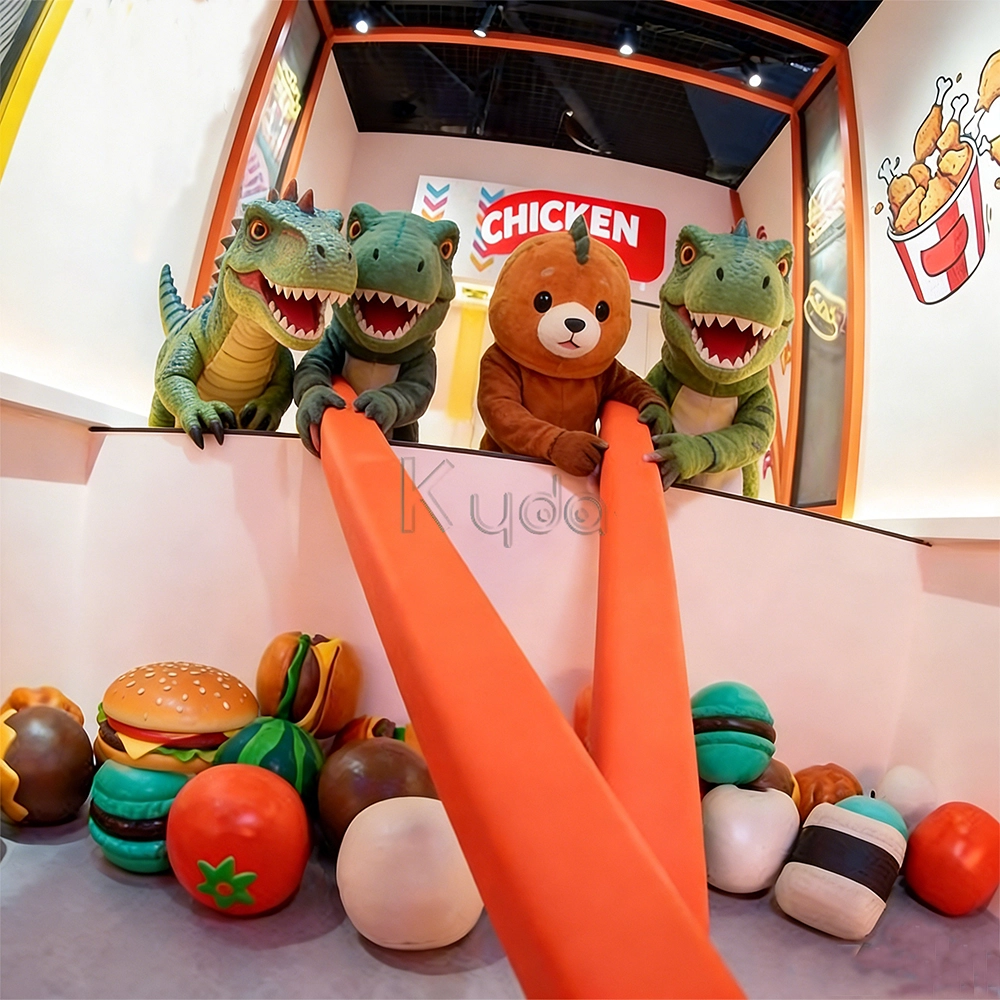
Crub Crab Giant Chopsticks Challenge Game Interactive Skill Challenge Game for Activate Game Rooms by Kyda
Crub Crab Giant Chopsticks Challenge Game is an innovative interactive challenge attraction designed for indoor entertainment centers, arcade game venues, and activate-style interactive game rooms. In this unique skill-based game, players control a pair of oversized giant chopsticks to pick up scattered snacks, toys, or prize items and place them into a collection basket within a limited time. The gameplay combines hand-eye coordination, precision control, balance, and quick reaction, creating a fun and competitive experience suitable for players of all ages.
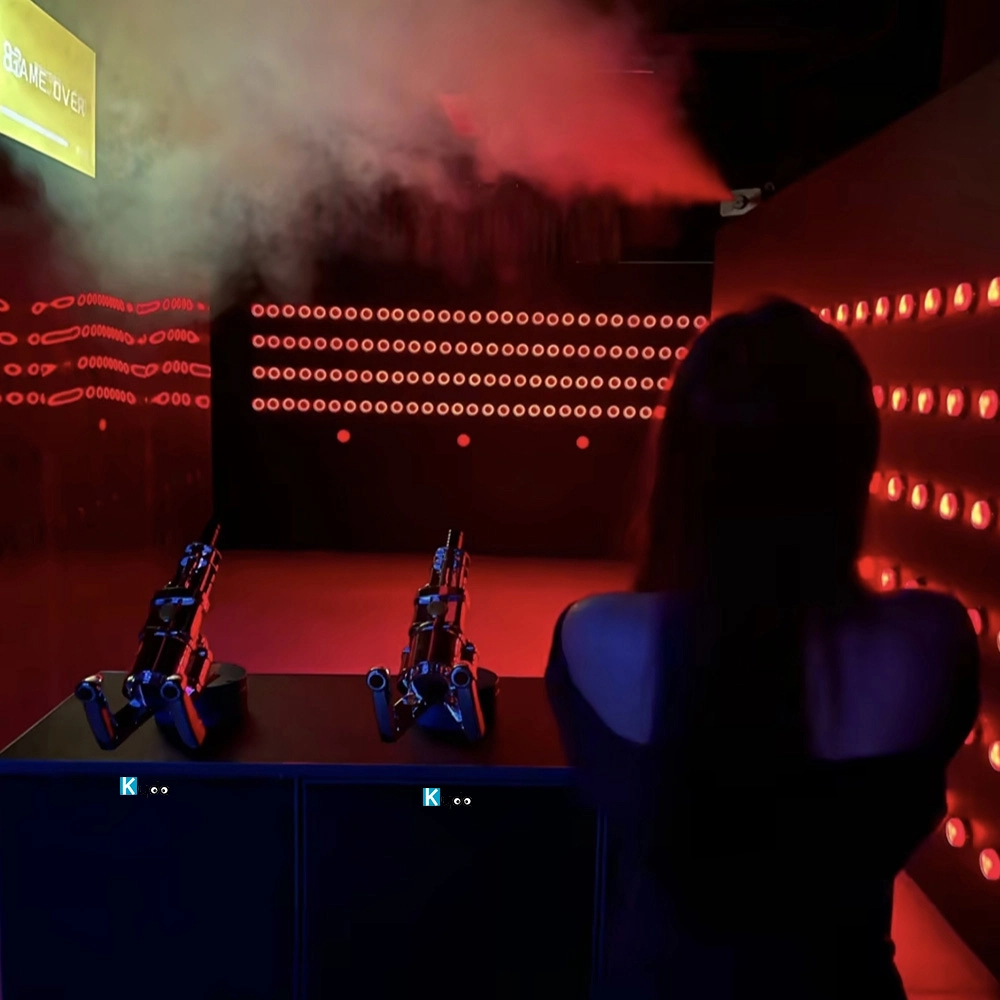
Active Reaction Laser Shooting Game Room
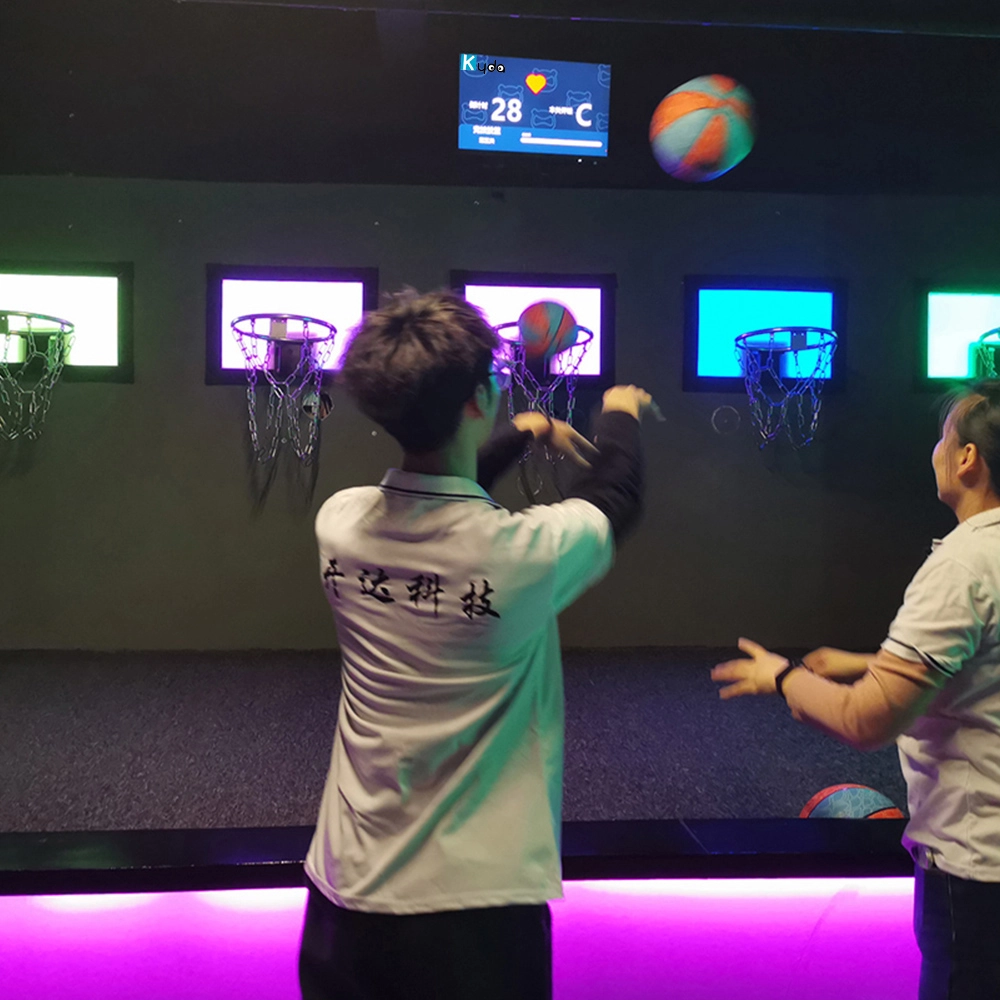
Hoops Active Game: The Ultimate Interactive Basketball Fitness Game
Elevate your basketball skills with Kyda’s Hoops Activate Game, the interactive basketball game. Perfect for basketball game rooms, Activate Hoops offers immersive fitness fun. Experience the Activate Basketball Game that combines sport and technology for active play.
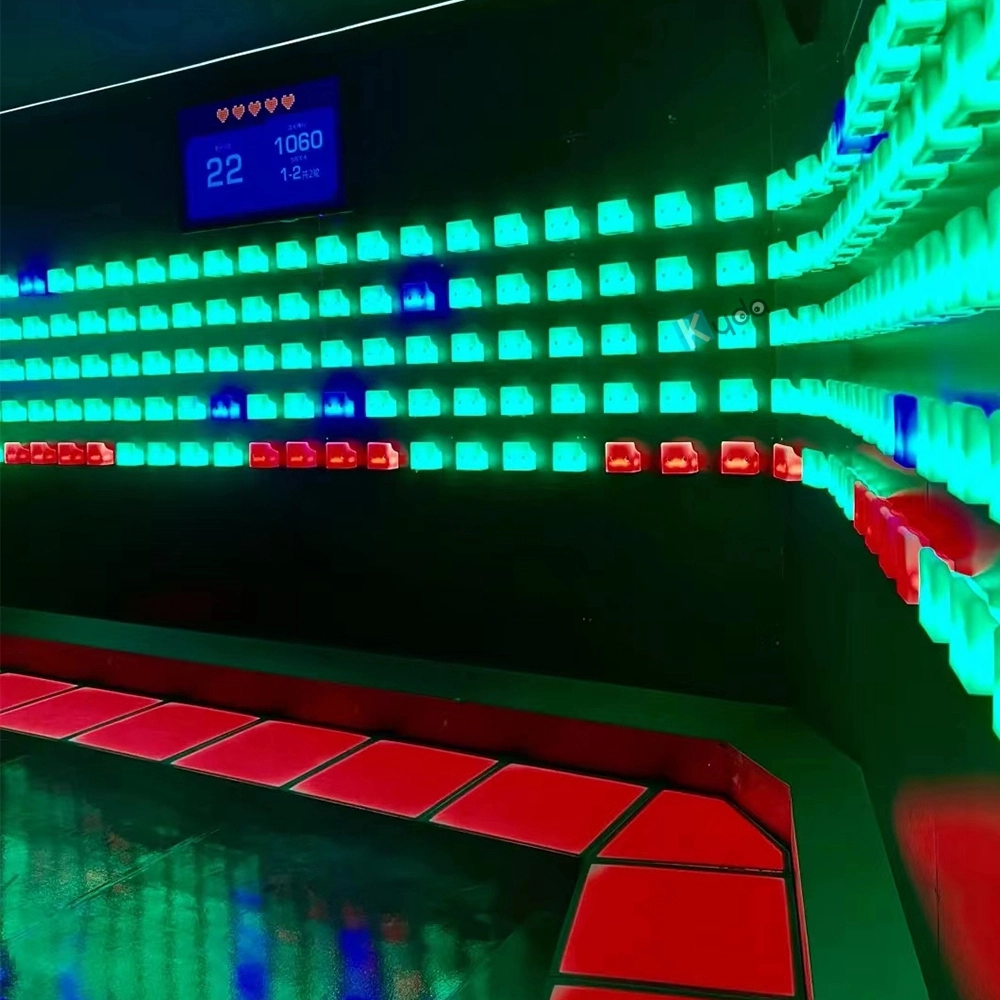
Activate Fitness Climb Game – The Ultimate Interactive LED Climbing Wall Experience
Experience the Activate Fitness Climb Game by Kyda—the interactive LED wall game. This Activate Climb Game combines fitness and fun with dynamic LED challenges, perfect for all ages. Boost agility and engagement with Kyda’s innovative interactive LED wall game today!
Let's get in touch
Email: sales@kydavr.com
Tel.: +86 188 2001 8779
Address: 501 Shixin Road, Dalong Street, Guangzhou, Guangdong, China.
© 2025 Kyda. All Rights Reserved.
 Scan QR Code
Linkedin
Ins
Facebook
Twitter
YouTube