




What Accessibility Tips Improve Activate Games for All Users?
- Enhancing Accessibility in Interactive Games: Essential Tips for Developers
- 1. Customizable Controls
- 2. Subtitles and Closed Captions
- 3. Colorblind Support
- 4. Adjustable Difficulty Levels
- 5. Clear and Simple User Interface (UI)
- 6. Audio Descriptions
- 7. Cognitive Accessibility Features
- 8. Photosensitivity Considerations
- 9. Screen Reader Compatibility
- 10. Playtesting with Disabled Gamers
- Conclusion: Kyda's Commitment to Accessibility
Enhancing Accessibility in Interactive Games: Essential Tips for Developers
As the gaming industry continues to evolve, ensuring that interactive games are accessible to all players has become a paramount concern. Implementing thoughtful accessibility features not only broadens your game's audience but also enriches the gaming experience for everyone. Below are key strategies to enhance accessibility in your interactive games:
1. Customizable Controls
Allowing players to remap controls or adjust input methods accommodates those with physical disabilities or personal preferences. This flexibility ensures that all players can engage with the game comfortably.
2. Subtitles and Closed Captions
Incorporating subtitles for dialogue and sound cues benefits players who are deaf or hard of hearing. Adjustable text size and color contrast improve readability, making the game more inclusive.
3. Colorblind Support
Implementing colorblind modes or adjustable color settings helps players with color vision deficiencies distinguish game elements effectively. This consideration ensures that visual information is accessible to a broader audience.
4. Adjustable Difficulty Levels
Offering multiple difficulty settings allows players of varying skill levels to enjoy the game without frustration. This approach caters to a diverse player base and enhances overall satisfaction.
5. Clear and Simple User Interface (UI)
Designing a straightforward and uncluttered UI with high-contrast visuals and scalable text makes menus and in-game content easier to read, especially for those with visual impairments.
6. Audio Descriptions
Adding narrated descriptions for on-screen actions and visual cues helps visually impaired players follow the game, providing a more immersive experience.
7. Cognitive Accessibility Features
Implementing features such as interactive tutorials, simple clear language, and the ability to progress through text prompts at the player's own pace supports players with cognitive disabilities. These features enhance understanding and engagement.
8. Photosensitivity Considerations
Avoiding flashing lights with frequencies between 5 to 30 flashes per second and providing options to disable flashing effects can prevent triggering photosensitive seizures, ensuring safety for all players.
9. Screen Reader Compatibility
Ensuring that screen readers can interpret game menus and text helps blind and visually impaired gamers navigate interfaces, making the game more accessible.
10. Playtesting with Disabled Gamers
Involving players with disabilities in testing phases helps identify barriers and improve accessibility before release, leading to a more inclusive final product.
Conclusion: Kyda's Commitment to Accessibility
At Kyda, we prioritize accessibility in our game development process. By integrating customizable controls, comprehensive subtitle options, colorblind support, and other inclusive features, we strive to create games that are enjoyable for all players, regardless of their abilities. Our dedication to accessibility ensures that every gamer can experience the immersive worlds we craft.
References:
- (https://learn.microsoft.com/en-us/windows/uwp/gaming/accessibility-for-games)
- (https://gertlushgaming.co.uk/video-game-accessibility-guide/)
- (https://www.hurix.com/research-and-innovation/infographics/ten-great-ways-to-ensure-your-games-are-accessible-to-everyone/)
- (https://caniplaythat.com/2019/09/12/basic-accessibility-options-for-cognitive-accessibility/)
- (https://www.makeuseof.com/accessibility-options-making-video-games-more-accessible/)
- (https://www.avgguild.org/post/how-to-add-accessibility-to-your-game-from-the-start)
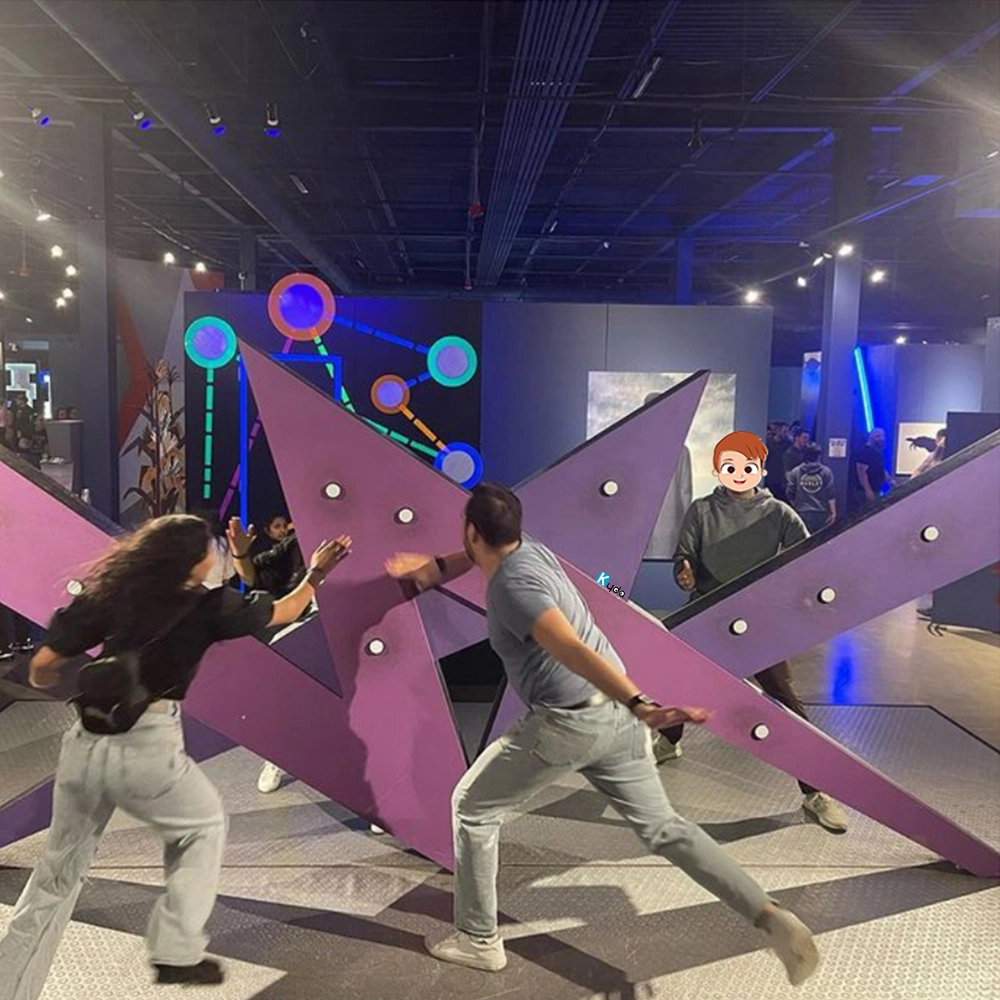
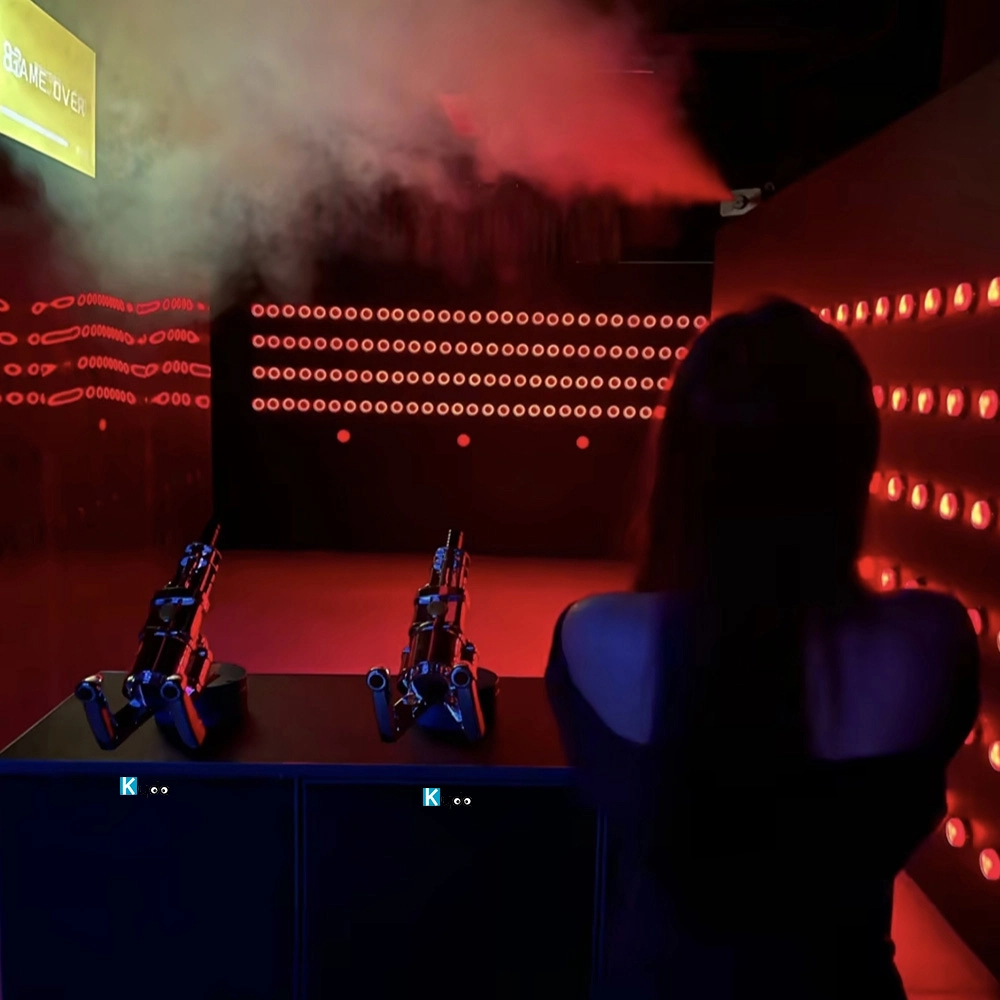
Active Reaction Lightning Game Room – Real-Time Reflex Battle with Interactive LED Speed Showdown
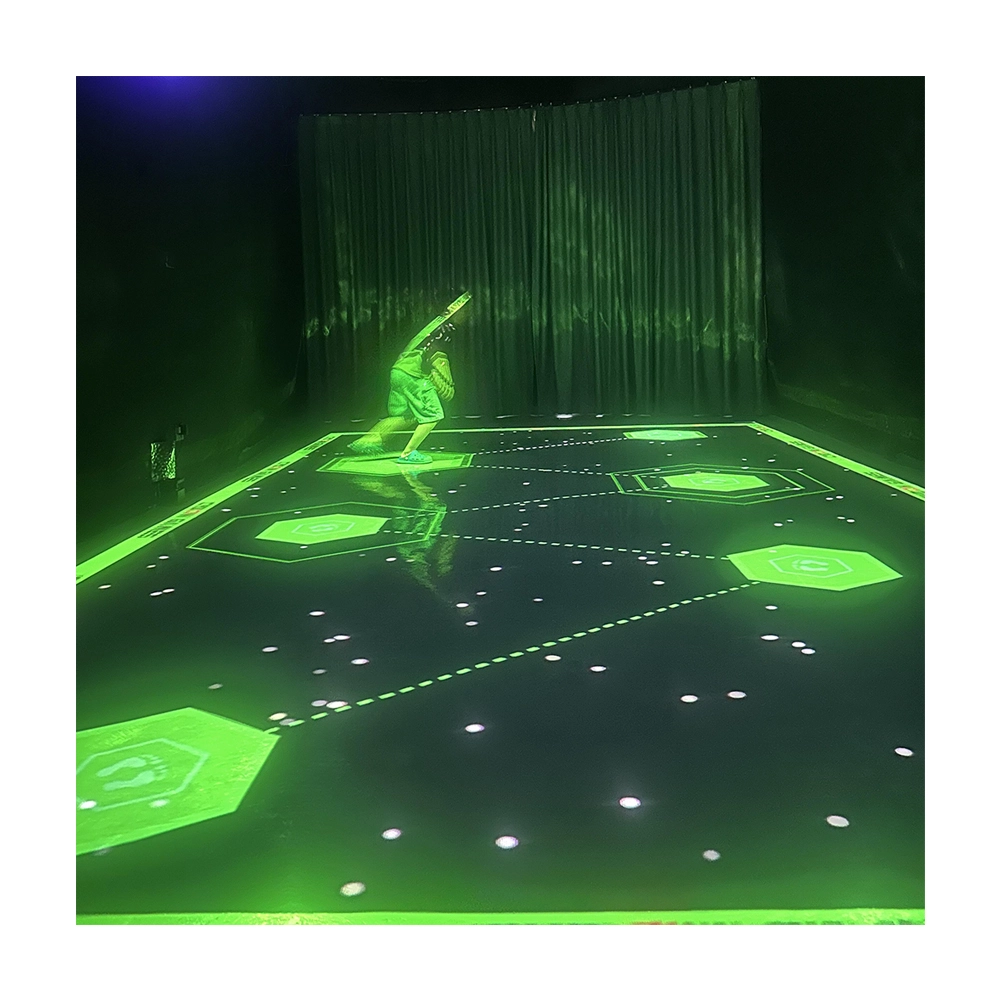
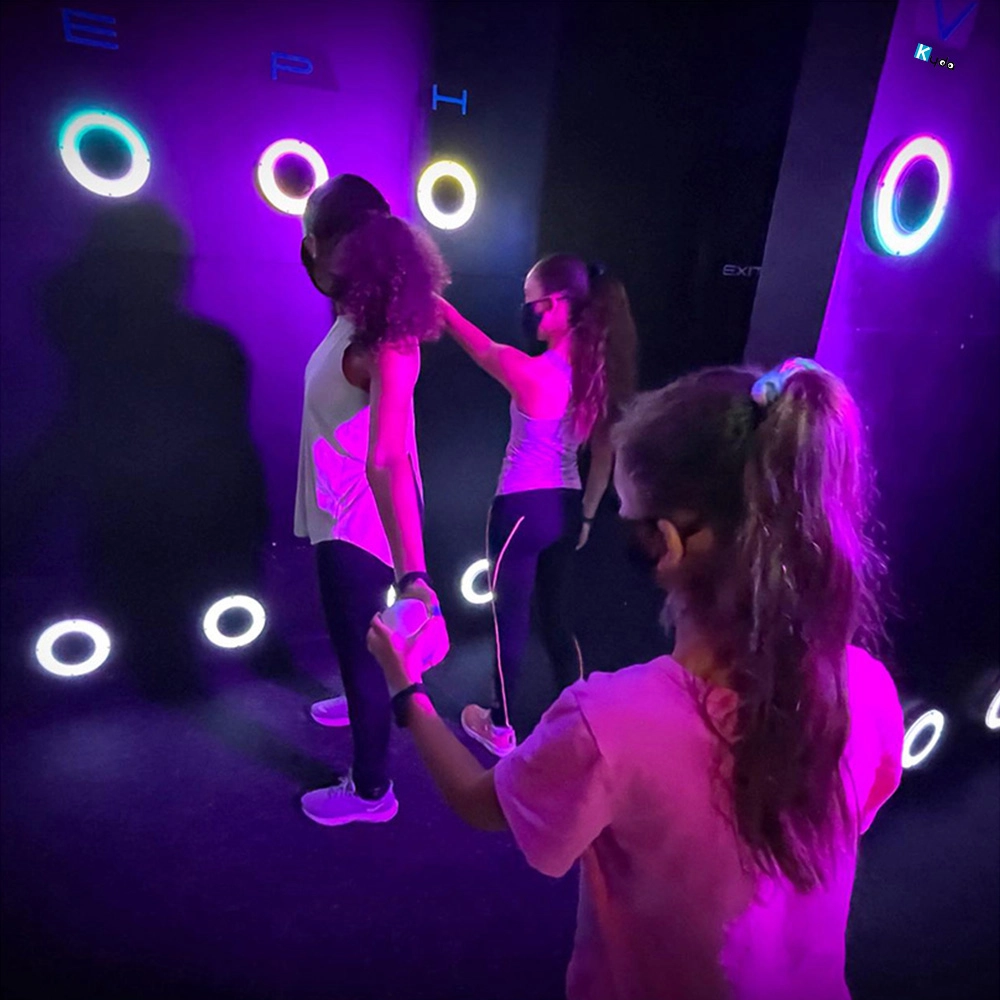
Photon – Interactive Floor Projection Game System for Sensory Rooms & Active Play Areas
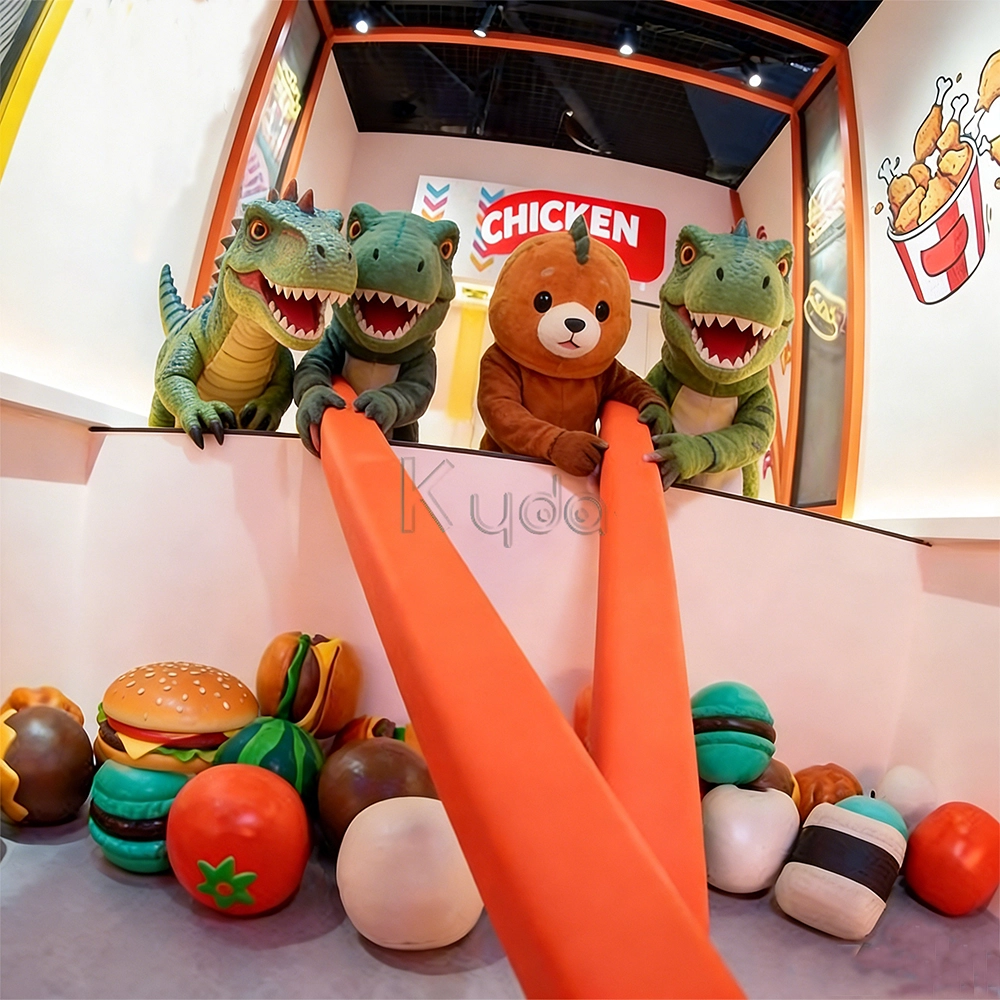
Crub Crab Giant Chopsticks Challenge Game Interactive Skill Challenge Game for Activate Game Rooms by Kyda
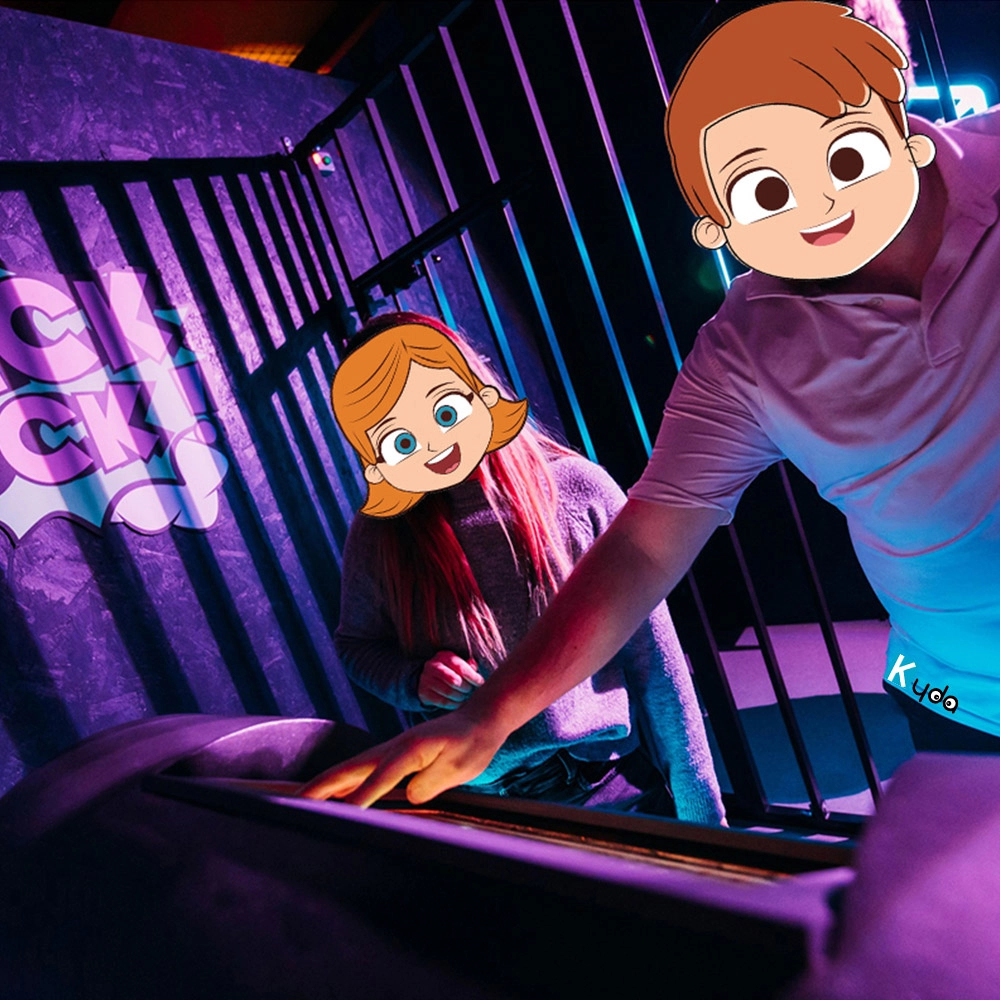
Bomb Squad Active Challenge Games
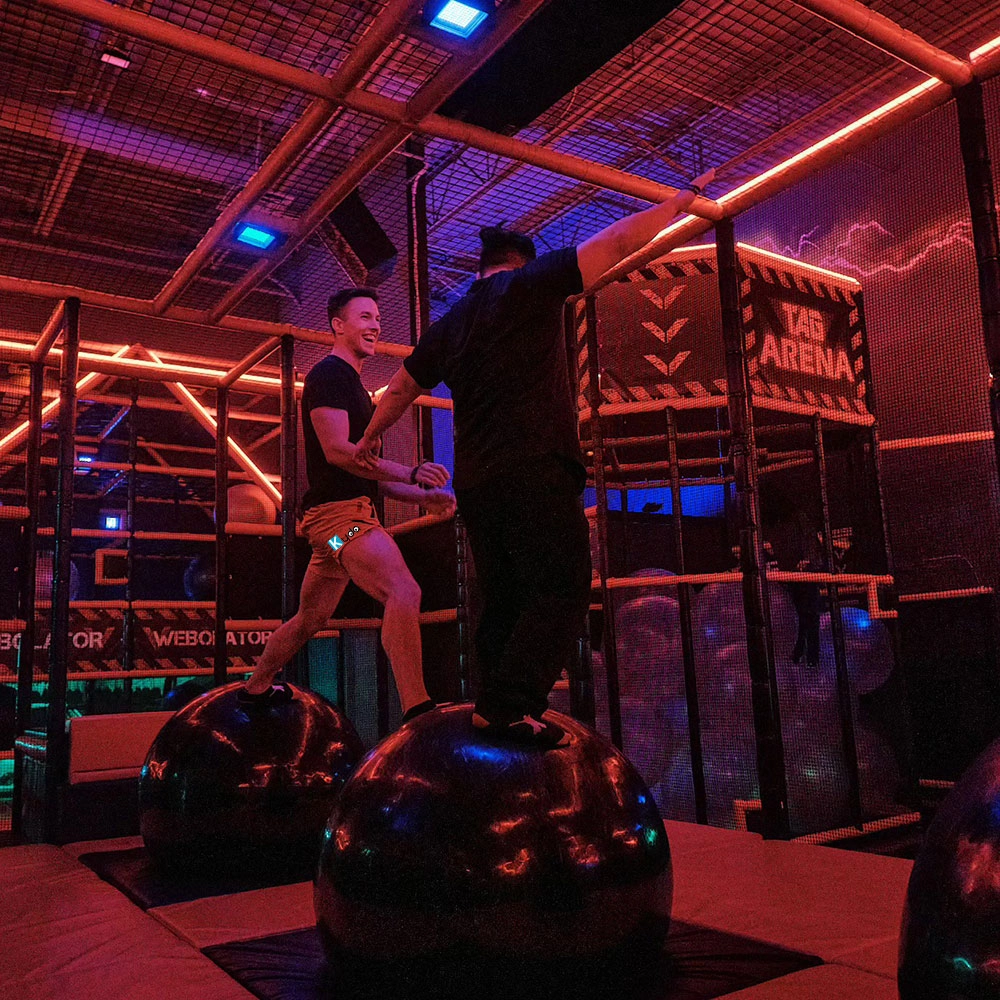
Amusement Park Kyda Indoor Activate Interactive Gaming Room Physically Adventure Competitive Challenging Immersive Sports Game
For Activate Gaming Floorislava Family Fun
How to pack the LED tile grid?
3pcs/carton, 45cartons/panel.
For Company
Can you make decoration design for buyer’s place?
We also can assist to make decoration that is for extra.
Do you support different language of the game and management system?
Standard version is English and Chinese, accept customization different language.
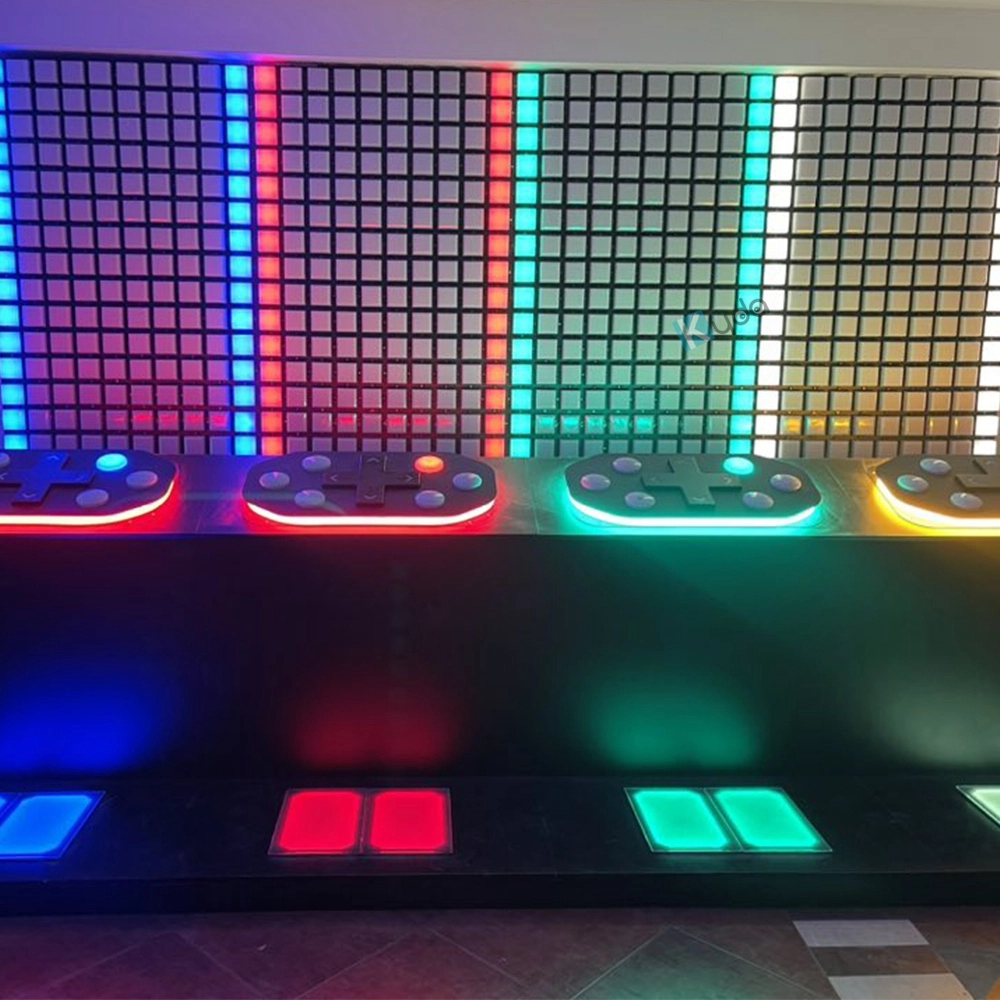
For Led Floor for Dance Pixel Grid Room
How to pack the LED tile grid?
3pcs/carton, 45cartons/panel.
For Games Grid Floor is Lava
How much size if we start the grid floor is lava?
One LED grid tile is 30*30cm,
Eg: room size 5*5m, which can match 16*16pcs,256pcs for total,
Layout: customize the quantity and place it according to the actual venue.
You May Also Like
-
-
Send us Your Inquiry
-
Fill out the form and we will provide you with personalized product quotes and service recommendations based on your needs.
Our team will contact you as soon as possible to help you build the most suitable entertainment equipment!
Let's get in touch
Email: sales@kydavr.com
Tel.: +86 188 2001 8779
Address: 501 Shixin Road, Dalong Street, Guangzhou, Guangdong, China.
© 2025 Kyda. All Rights Reserved.
 Scan QR Code
Linkedin
Ins
Facebook
Twitter
YouTube