




How to create multiplayer active games? | Insights by Kyda
- How to Create Multiplayer Active Games: A Comprehensive Guide
- 1. What Are the Key Steps in Developing a Multiplayer Active Game?
- 2. Which Game Engines Are Suitable for Creating Multiplayer Active Games?
- 3. How Do I Implement Networking in My Multiplayer Game?
- 4. What Are the Best Practices for Synchronizing Game State Across Clients?
- 5. How Do I Handle Player Input in a Multiplayer Environment?
- 6. What Are Common Challenges in Developing Multiplayer Active Games?
- 7. How Do I Test and Optimize My Multiplayer Game?
- 8. How Do I Ensure a Seamless User Experience in My Multiplayer Game?
- Conclusion: Why Choose Kyda for Your Multiplayer Game Development?
How to Create Multiplayer Active Games: A Comprehensive Guide
Creating a multiplayer active game involves several key steps to ensure a seamless and engaging experience for players. This guide addresses common questions and provides insights into the process.
1. What Are the Key Steps in Developing a Multiplayer Active Game?
Developing a multiplayer active game involves:
Choosing the Right Game Engine: Select an engine that supports multiplayer functionality, such as Unity or GameMaker.
Implementing Networking: Set up server-client architecture to manage real-time communication between players.
Synchronizing Game State: Ensure that all players have a consistent view of the game world by synchronizing game state across clients.
Handling Player Input: Capture and process input from multiple players simultaneously.
Testing and Optimization: Conduct thorough testing to identify and fix issues related to latency, synchronization, and gameplay balance.
2. Which Game Engines Are Suitable for Creating Multiplayer Active Games?
Several game engines offer robust support for multiplayer game development:
Unity: A versatile engine with extensive documentation and community support, suitable for both 2D and 3D games.
GameMaker: Ideal for 2D games, offering a user-friendly interface and built-in networking features.
Godot: An open-source engine with a dedicated multiplayer API, suitable for developers seeking a free alternative.
3. How Do I Implement Networking in My Multiplayer Game?
Implementing networking involves:
Server-Client Architecture: Set up a server to manage game state and clients to handle player input and rendering.
Real-Time Communication: Use protocols like WebSockets for low-latency communication.
Data Synchronization: Ensure that game state changes are propagated to all clients to maintain consistency.
Handling Latency: Implement techniques like client-side prediction and lag compensation to mitigate the effects of network latency.
4. What Are the Best Practices for Synchronizing Game State Across Clients?
Best practices include:
Authoritative Server: Maintain the server as the source of truth for game state to prevent cheating and ensure consistency.
Efficient Data Transmission: Send only necessary data to reduce bandwidth usage and improve performance.
State Interpolation: Use interpolation techniques to smooth out movements and actions, reducing the perception of lag.
Regular Updates: Implement a fixed update rate for game state changes to maintain consistency across clients.
5. How Do I Handle Player Input in a Multiplayer Environment?
Handling player input involves:
Input Collection: Capture input from all connected players simultaneously.
Input Processing: Process inputs on the server to maintain authority and prevent cheating.
Input Prediction: Use client-side prediction to provide immediate feedback to players while awaiting server confirmation.
Input Reconciliation: Correct discrepancies between predicted and actual server state to maintain consistency.
6. What Are Common Challenges in Developing Multiplayer Active Games?
Common challenges include:
Network Latency: Delays in data transmission can affect gameplay responsiveness.
Synchronization Issues: Ensuring all clients have a consistent view of the game world can be complex.
Security Concerns: Protecting against cheating and unauthorized access requires robust security measures.
Scalability: Supporting a large number of concurrent players necessitates efficient server architecture.
7. How Do I Test and Optimize My Multiplayer Game?
Testing and optimization involve:
Stress Testing: Simulate high player counts to identify performance bottlenecks.
Latency Testing: Measure the impact of network latency on gameplay and implement mitigation strategies.
Bug Tracking: Use tools to track and fix issues related to networking and gameplay.
Performance Profiling: Analyze resource usage to optimize code and assets for better performance.
8. How Do I Ensure a Seamless User Experience in My Multiplayer Game?
Ensuring a seamless user experience involves:
Intuitive UI: Design user interfaces that are easy to navigate and responsive.
Consistent Gameplay: Maintain balanced and fair gameplay mechanics across all players.
Responsive Controls: Implement controls that are responsive and provide immediate feedback.
Regular Updates: Provide regular updates to address issues and introduce new content to keep players engaged.
Conclusion: Why Choose Kyda for Your Multiplayer Game Development?
Kyda offers a comprehensive suite of tools and services tailored for multiplayer game development. With a focus on scalability, security, and user experience, Kyda ensures that your game can handle a large number of concurrent players while maintaining high performance and reliability. Their expert support and resources make the development process smoother, allowing you to focus on creating engaging and interactive gameplay experiences.

Crub Crab Giant Chopsticks Challenge Game Interactive Skill Challenge Game for Activate Game Rooms by Kyda
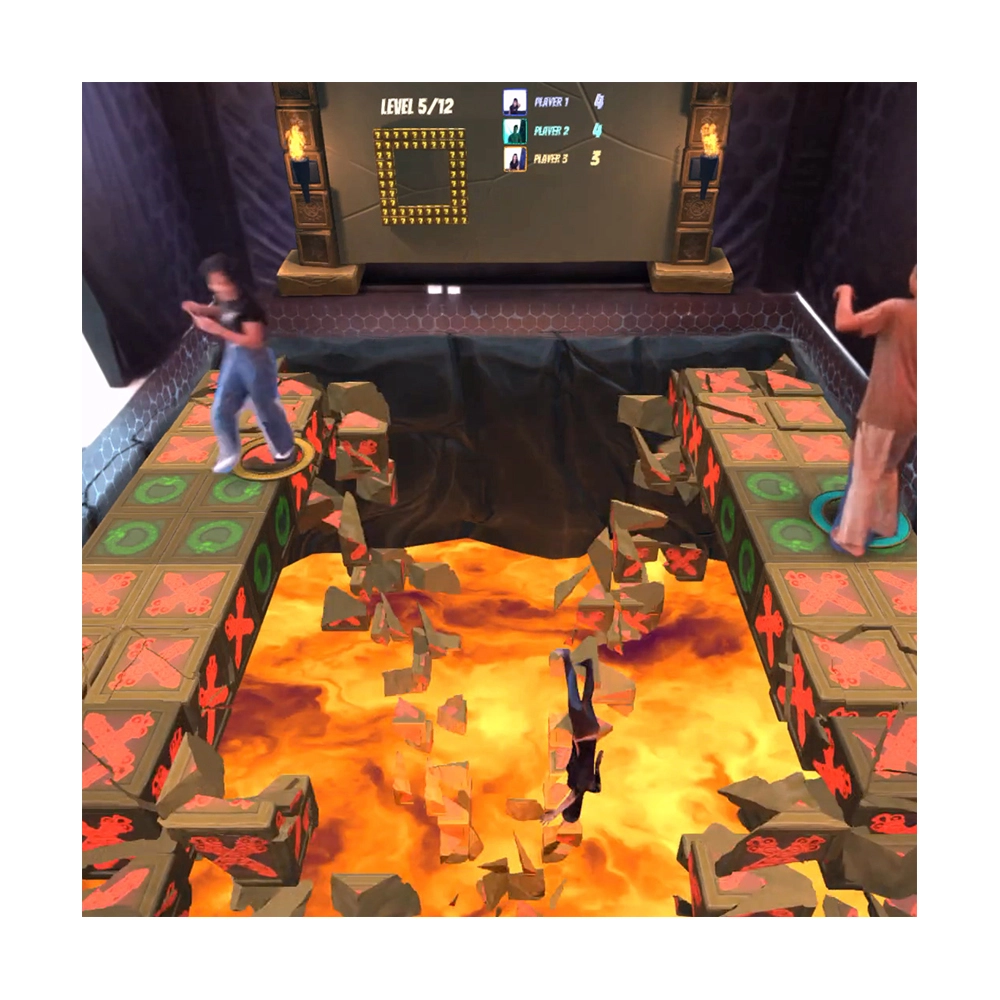
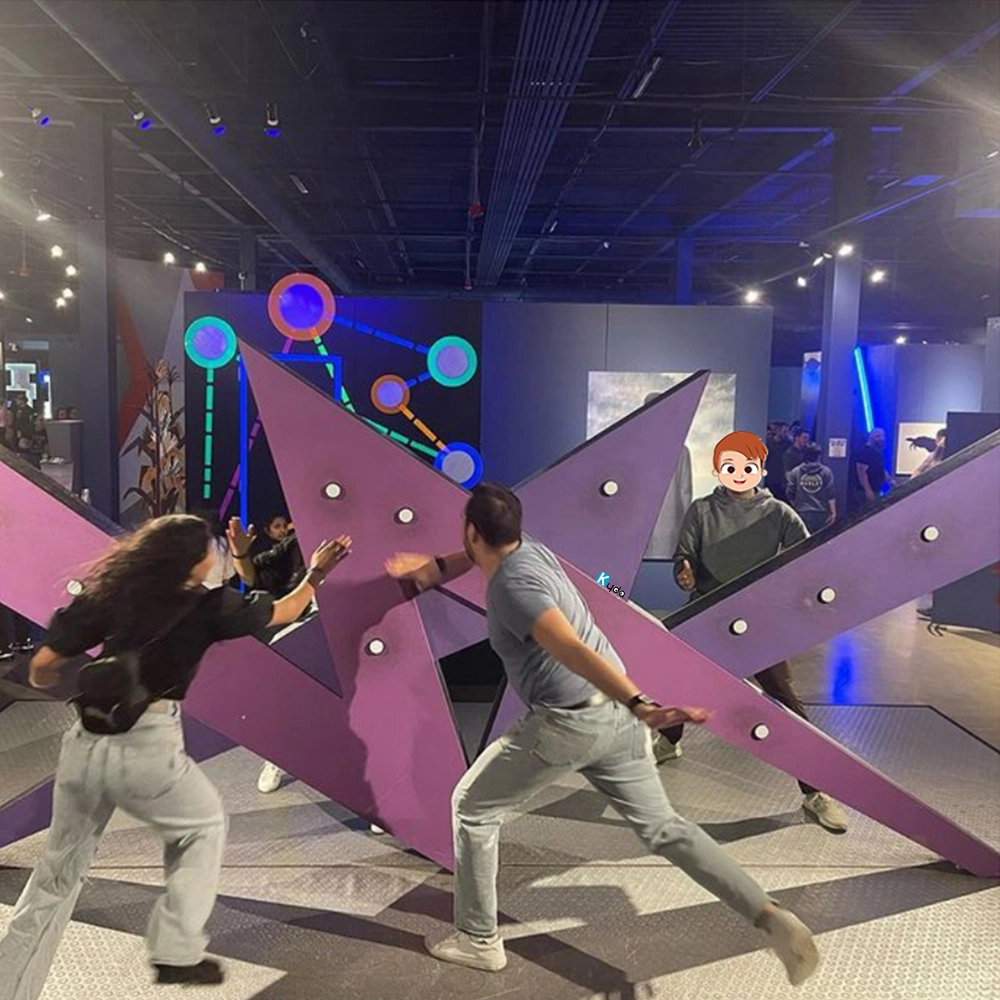
Social Games XR Arena – “Floor Is Lava” Interactive Motion-Sensing Projection Game

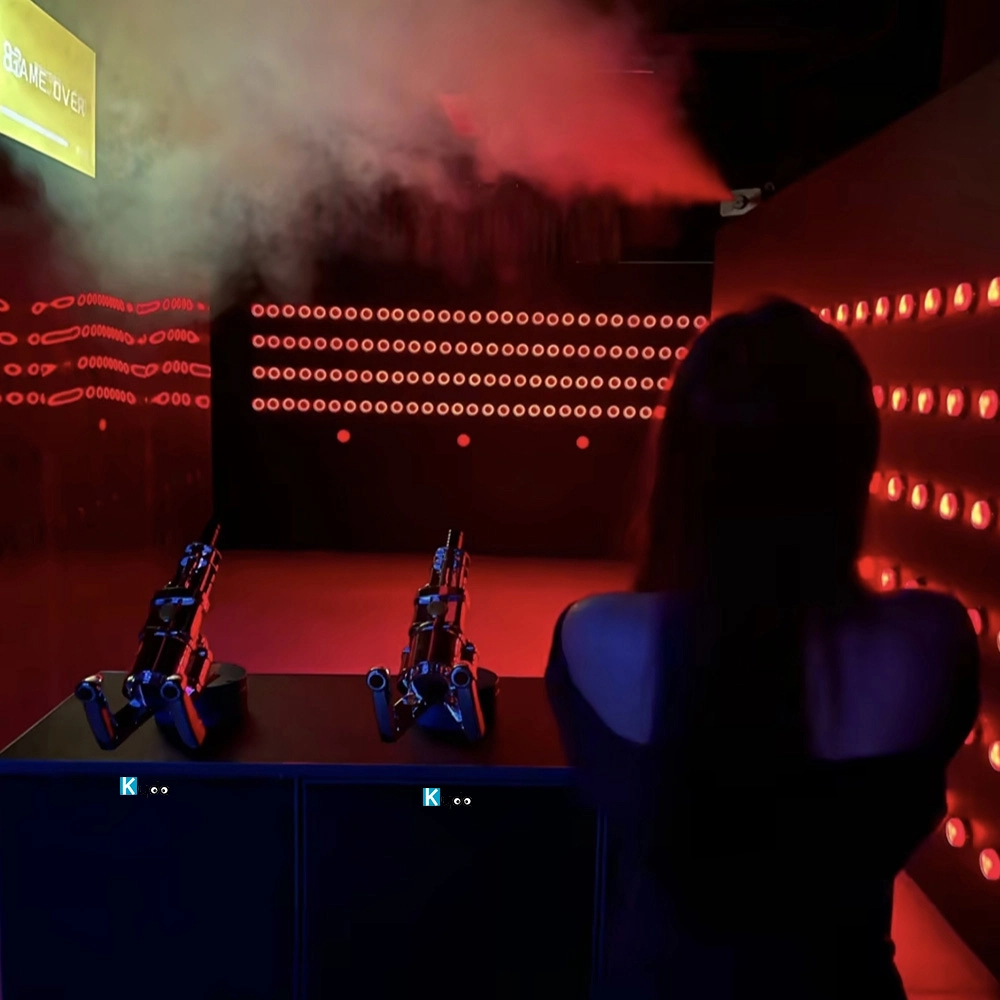
Bomb Squad Active Challenge Games

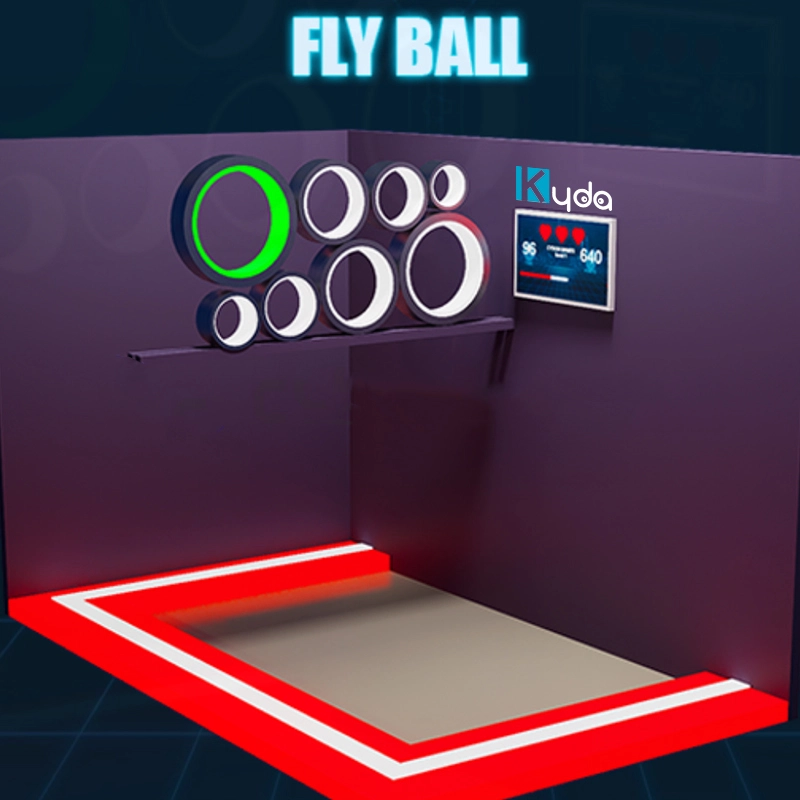
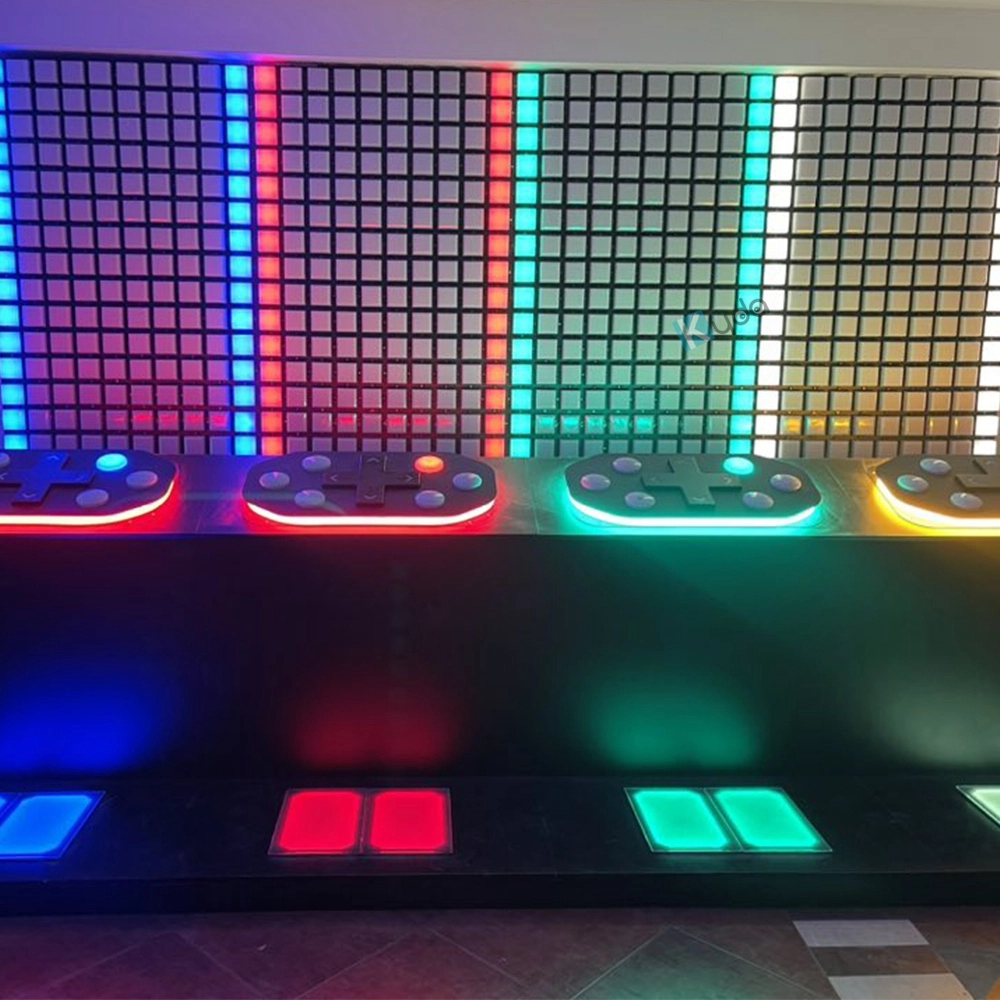
Laser & Activate Grid Game – High-Tech Interactive LED Floor Challenge
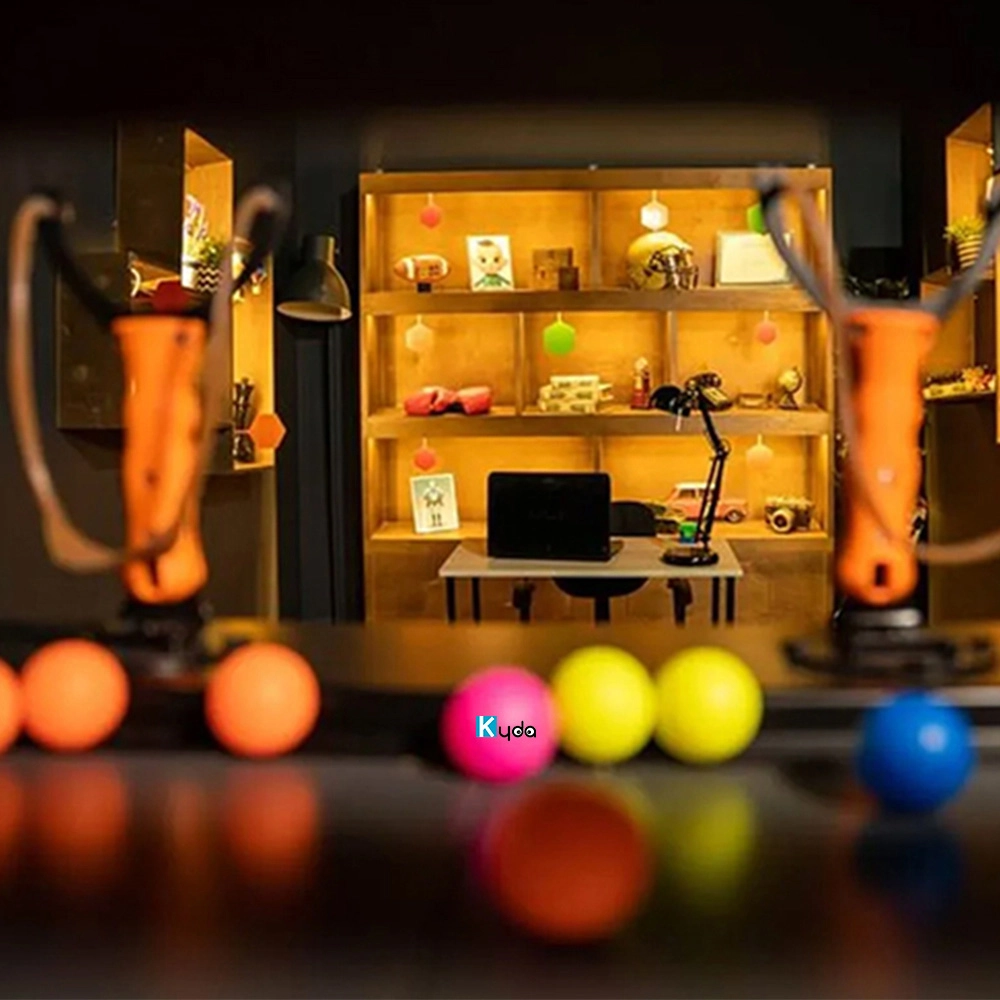
Angry Bird Challenge Brain Activate Game | Kyda Interactive Slingshot Adventure
For Activate Gaming Floorislava Family Fun
How much size if we start the Megagrid floorislava?
One LED grid tile is 30*30cm, eg: room size 10*5m, which can match 32*16pcs,512pcs for total; Layout: customize the quantity and place it according to the actual venue.
For Company
Where is your factory?
Kydaplay office in Beijing, Guangzhou, Shenzhen;
Kydaplay workshop in Shenyang, Zhongshan.
Do you support different language of the game and management system?
Standard version is English and Chinese, accept customization different language.
How to install?
Kydaplay will send detail CAD design, electronic design, installation manual, buyer can install by electronic engineer; or Kydavr can provide on-site technical support and installation as well as training once the goods are delivered at destination.
What is your advantage?
1)We have CE certification, Software copyright, Patent;
2) We already assistant our customer open more than 100places activate shop in the world, we know what is the important, how to meet different country’s requirements, personal customize game , software, hardware;
3)We already developed above 50 different game room, and will update more;
4)We have our own management system, Online booking ticket system(online payment support), Ranking system , Score system, DIY website.
You May Also Like

-
-
Send us Your Inquiry
-
Fill out the form and we will provide you with personalized product quotes and service recommendations based on your needs.
Our team will contact you as soon as possible to help you build the most suitable entertainment equipment!
Let's get in touch
Email: sales@kydavr.com
Tel.: +86 188 2001 8779
Address: 501 Shixin Road, Dalong Street, Guangzhou, Guangdong, China.
© 2025 Kyda. All Rights Reserved.
 Scan QR Code
Linkedin
Ins
Facebook
Twitter
YouTube