




What equipment is needed for setting up an interactive floor game? | Insights by Kyda
- Essential Equipment for Setting Up an Interactive Floor Game
- 1. Projector
- 2. Motion Sensors
- 3. Computer System
- 4. Software
- 5. Projection Surface
- 6. Audio System
- 7. Installation Accessories
- 8. Control Interface
- 9. Power Supply
- 10. Maintenance Tools
- 11. Optional Accessories
- Considerations for Installation
- Conclusion
- Kyda's Advantages
Essential Equipment for Setting Up an Interactive Floor Game
Creating an interactive floor game involves integrating various technologies to transform a standard floor into an engaging, interactive environment. Below are the key components required:
1. Projector
A high-quality projector is essential for displaying vivid and clear images on the floor. For instance, the Interactive Floor WS model utilizes a laser projector with a brightness of 3,000 lumens, ensuring bright projections even in well-lit environments.
2. Motion Sensors
Motion sensors detect user movements, enabling interaction with the projected content. Advanced systems like the Kinect 2.0 sensor provide precise tracking, enhancing the responsiveness of the interactive experience.
3. Computer System
A robust computer system runs the software and processes input from the sensors. The Interactive Floor WS model is equipped with a powerful computer to handle complex graphics and ensure smooth gameplay.
4. Software
Specialized software drives the interactive content, offering a variety of games and activities. The Interactive Floor WS comes with over 130 pre-installed games, providing diverse options for users.
5. Projection Surface
A clean, flat, and light-colored floor surface enhances the visibility and clarity of the projections. Some systems include a white foam mat to ensure optimal projection quality.
6. Audio System
An integrated audio system adds immersive sound effects, enriching the interactive experience. For example, the Interactive Floor WS includes an audio system to complement its visual elements.
7. Installation Accessories
Proper mounting hardware and cables are necessary for setting up the equipment securely. Some systems provide installation kits that include all required accessories for a seamless setup.
8. Control Interface
A user-friendly control interface, such as a tablet or dedicated controller, allows for easy management of games and settings. The Interactive Floor WS offers an Android tablet for game management, facilitating straightforward operation.
9. Power Supply
Ensure a stable power supply with appropriate voltage and grounding to prevent equipment malfunctions. Some systems may include voltage stabilizers to protect against power fluctuations.
10. Maintenance Tools
Regular maintenance is crucial for longevity. Having the necessary tools and following the manufacturer's maintenance guidelines will help keep the system in optimal condition.
11. Optional Accessories
Depending on the specific system, additional accessories like a keyboard with a touchpad, white foam mats, or a game creator app may be included to enhance functionality and user experience.
Considerations for Installation
Room Selection: Choose a room with a ceiling height of up to 5 meters and a flat, clean floor surface. Avoid rooms with stretch ceilings, as they may not support the equipment securely.
Lighting Conditions: While some systems can function in ambient light, using a room that can be darkened enhances projection quality.
Electrical Requirements: Ensure the room has sufficient electrical outlets within a 3-meter radius of the installation site. A dedicated circuit with grounding is recommended to prevent electrical issues.
Maintenance Access: Plan for easy access to equipment for regular maintenance and software updates.
Conclusion
Setting up an interactive floor game requires careful selection and integration of various components, including a projector, motion sensors, computer system, software, and more. By considering the specific requirements of each component and the installation environment, you can create an engaging and educational interactive experience for users of all ages.
Kyda's Advantages
Kyda offers comprehensive solutions for interactive floor games, providing high-quality equipment, user-friendly interfaces, and exceptional customer support. Their products are designed to be durable, easy to maintain, and adaptable to various environments, ensuring a seamless and enjoyable experience for both operators and users.
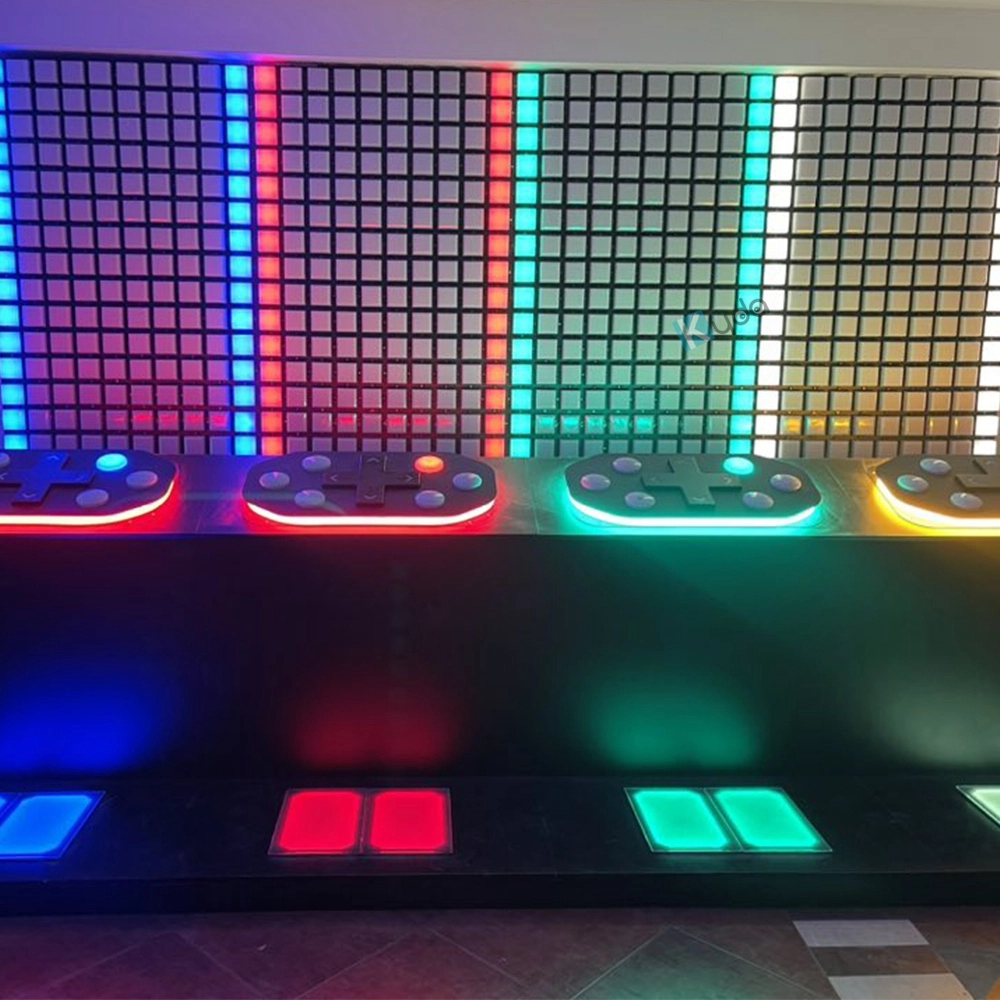
Active Reaction Game Room – LED Control Interactive Wall Game System by Kyda
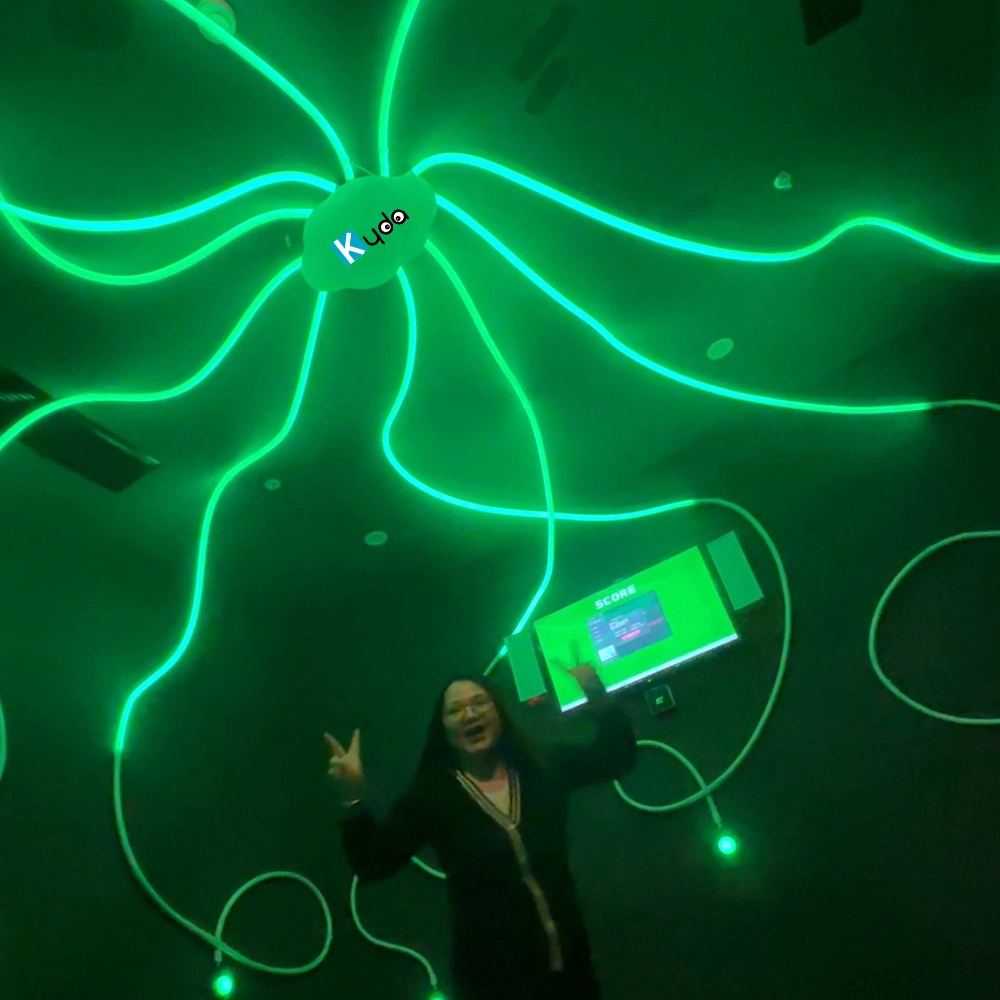
Active Reaction Flash Game Room – Speed, Focus & LED Timing Challenge
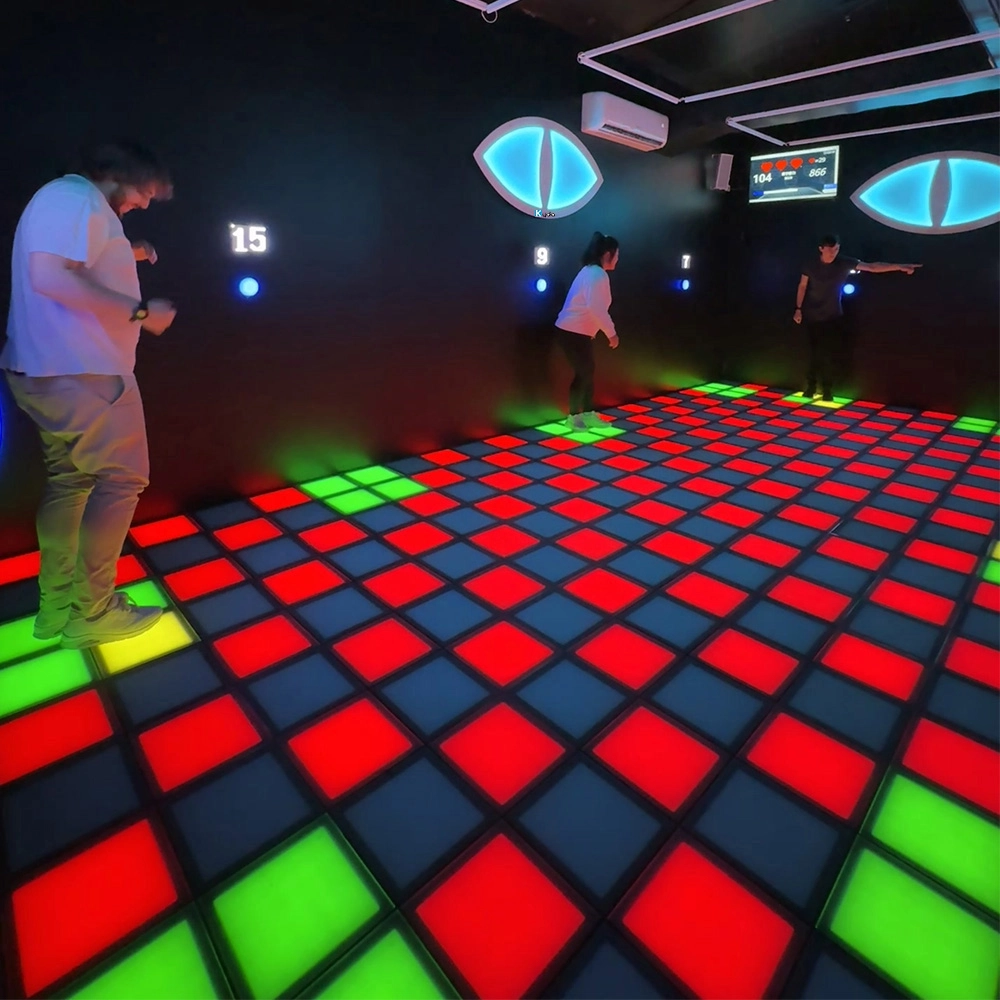
Escape Horror Game Interactive LED Floor Grid Mix Hide Room – The Ultimate LED Survival Challenge
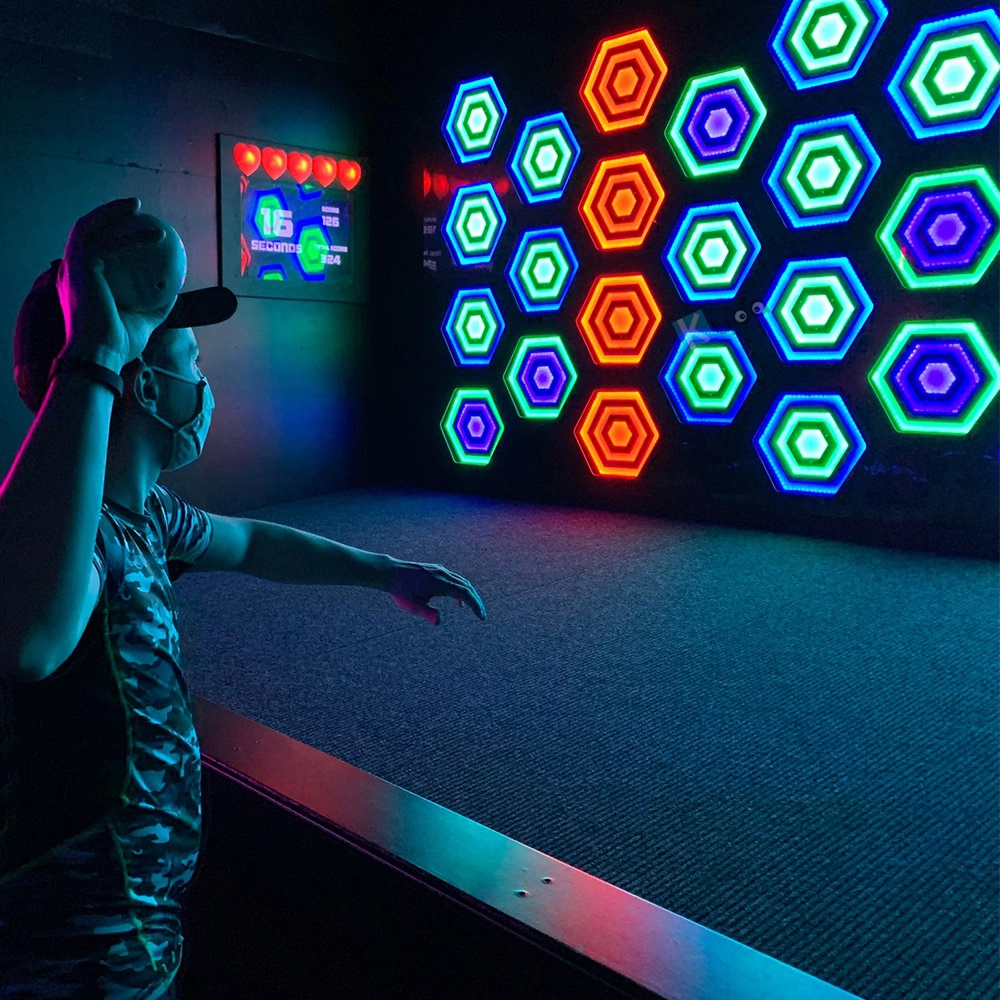
Activate Throwing Sport Reaction Games Ball Room Escape Maze Interactive LED Wall Light Activity Ball Arena Game
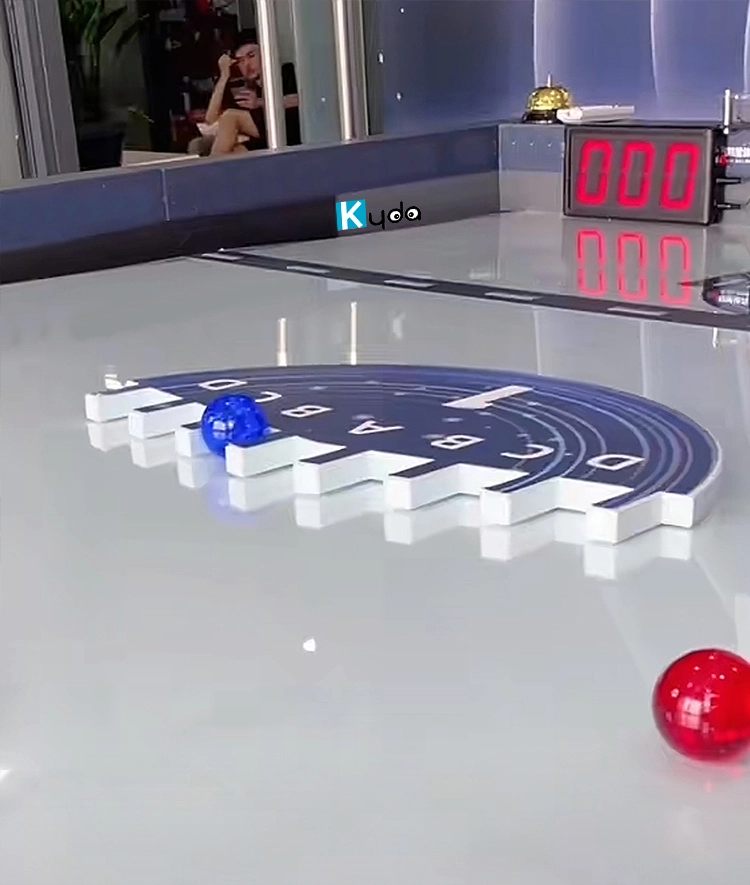
Solar Ball Game (Star Ball / Sky Rolling Ball) – Interactive Gravity Team Challenge
For Activate Gaming Floorislava Family Fun
How to pack the LED tile grid?
3pcs/carton, 45cartons/panel.
For Company
How large room space need every game room?
Normally 10-50 square meters, also can customize as space room.
How to install?
Kydaplay will send detail CAD design, electronic design, installation manual, buyer can install by electronic engineer; or Kydavr can provide on-site technical support and installation as well as training once the goods are delivered at destination.
Can you customize the game software and hardware?
Yes, Kydaplay accept customize software with hardware.
Do you have management system and bracelet?
Yes, we support to sell the whole Activate game software, hardware, management system, Ranking, online tickets, scores…
You May Also Like
-
-
Send us Your Inquiry
-
Fill out the form and we will provide you with personalized product quotes and service recommendations based on your needs.
Our team will contact you as soon as possible to help you build the most suitable entertainment equipment!
Let's get in touch
Email: sales@kydavr.com
Tel.: +86 188 2001 8779
Address: 501 Shixin Road, Dalong Street, Guangzhou, Guangdong, China.
© 2025 Kyda. All Rights Reserved.
 Scan QR Code
Linkedin
Ins
Facebook
Twitter
YouTube