




How do interactive floor projectors detect foot steps or body movement? | Insights by Kyda
- Understanding Interactive Floor Projectors: How They Detect Footsteps and Body Movements
- 1. What Technologies Do Interactive Floor Projectors Use to Detect Movement?
- 2. How Do These Sensors Work Together to Create an Interactive Experience?
- 3. What Are the Key Considerations When Selecting an Interactive Floor Projector?
- 4. How Do Interactive Floor Projectors Enhance User Engagement?
- 5. What Are the Applications of Interactive Floor Projectors in Various Industries?
- Conclusion: Why Choose Kyda for Your Interactive Floor Projection Needs?
Understanding Interactive Floor Projectors: How They Detect Footsteps and Body Movements
Interactive floor projectors have revolutionized the way we engage with digital content in indoor environments. By transforming ordinary floors into dynamic, responsive surfaces, these systems create immersive experiences that respond to user movements. In this article, we'll explore the technologies behind interactive floor projectors, focusing on how they detect footsteps and body movements, and provide insights to assist industry professionals in making informed procurement decisions.
1. What Technologies Do Interactive Floor Projectors Use to Detect Movement?
Interactive floor projectors employ various sensor technologies to detect user movements:
Infrared (IR) Sensors: These sensors detect heat signatures from the human body, allowing the system to track movements without direct contact. They are commonly used due to their non-intrusive nature and effectiveness in various lighting conditions.
Pressure Sensors: Embedded within the floor, these sensors detect the force applied when a user steps on the surface, enabling the system to respond to physical touch.
Capacitive Sensors: Similar to those used in touchscreens, capacitive sensors detect the presence and movement of conductive objects, such as human bodies, by measuring changes in capacitance.
Optical Sensors and Cameras: These devices capture visual data, allowing the system to track movements and gestures. Advanced setups may use depth cameras to enhance accuracy and reduce unintended body interference.
2. How Do These Sensors Work Together to Create an Interactive Experience?
The integration of these sensors with projection systems and specialized software enables interactive floor projectors to create engaging user experiences:
Detection: Sensors continuously monitor the floor for user movements, such as footsteps or body gestures.
Processing: The system processes the sensor data in real-time, interpreting the movements and determining appropriate responses.
Response: Based on the processed data, the system adjusts the projected visuals, creating dynamic interactions that correspond to the user's actions.
For example, when a user steps onto the floor, pressure sensors detect the touch, and the system may trigger a visual effect like a ripple or color change at the point of contact.
3. What Are the Key Considerations When Selecting an Interactive Floor Projector?
When procuring an interactive floor projector, consider the following factors:
Sensor Type and Accuracy: Choose a system with sensors that offer precise detection suitable for your environment. For instance, radar sensors provide enhanced accuracy and faster response times, making them ideal for high-traffic areas.
Projection Quality: Ensure the projector delivers high-resolution visuals with sufficient brightness to maintain clarity in various lighting conditions.
Software Capabilities: Evaluate the software's ability to support diverse and customizable content, including interactive games and educational programs.
Durability and Maintenance: Consider the system's build quality and ease of maintenance to ensure long-term reliability.
Integration and Scalability: Assess how easily the system can integrate with existing infrastructure and whether it can scale to meet future needs.
4. How Do Interactive Floor Projectors Enhance User Engagement?
Interactive floor projectors enhance user engagement by:
Promoting Physical Activity: Encouraging users to move, jump, and interact physically with the projected content, which is beneficial for health and well-being.
Facilitating Learning: Offering interactive educational games that respond to user movements, making learning more engaging and effective.
Creating Immersive Environments: Transforming spaces into dynamic, responsive areas that captivate users and provide memorable experiences.
5. What Are the Applications of Interactive Floor Projectors in Various Industries?
Interactive floor projectors have diverse applications across multiple industries:
Education: Used in classrooms and learning centers to create interactive learning environments that engage students through movement-based activities.
Entertainment: Installed in venues like arcades, museums, and event spaces to provide interactive games and exhibits that attract and entertain visitors.
Retail: Employed in stores and malls to create engaging displays that draw customers and enhance the shopping experience.
Healthcare: Utilized in therapy centers and hospitals to encourage physical activity and rehabilitation through interactive games and exercises.
Conclusion: Why Choose Kyda for Your Interactive Floor Projection Needs?
Kyda offers a comprehensive range of interactive floor projection systems designed to meet diverse industry needs. With a focus on advanced sensor technologies, high-quality projections, and customizable software, Kyda ensures an immersive and engaging experience for users. Their commitment to durability, ease of maintenance, and scalability makes them a reliable partner for businesses looking to invest in interactive floor projection solutions.
By understanding the technologies and considerations involved in interactive floor projectors, industry professionals can make informed decisions that enhance user engagement and deliver exceptional experiences.
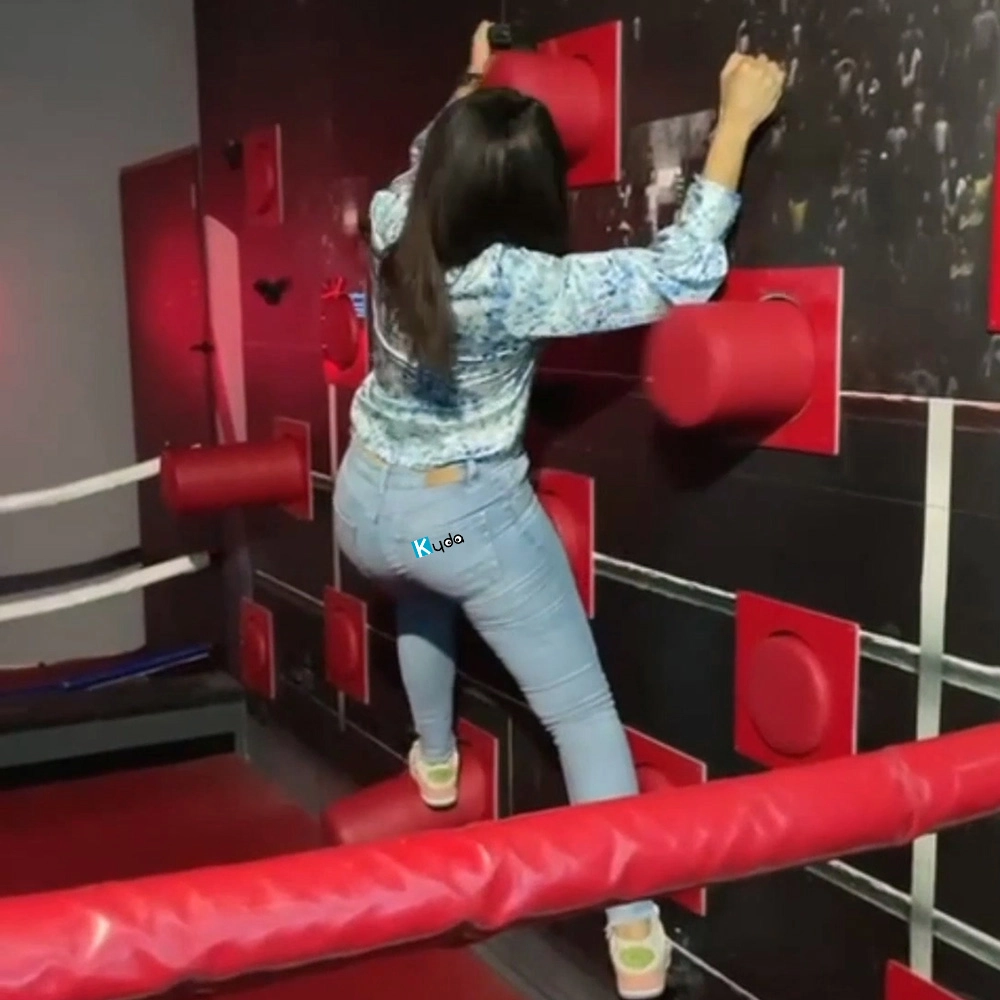
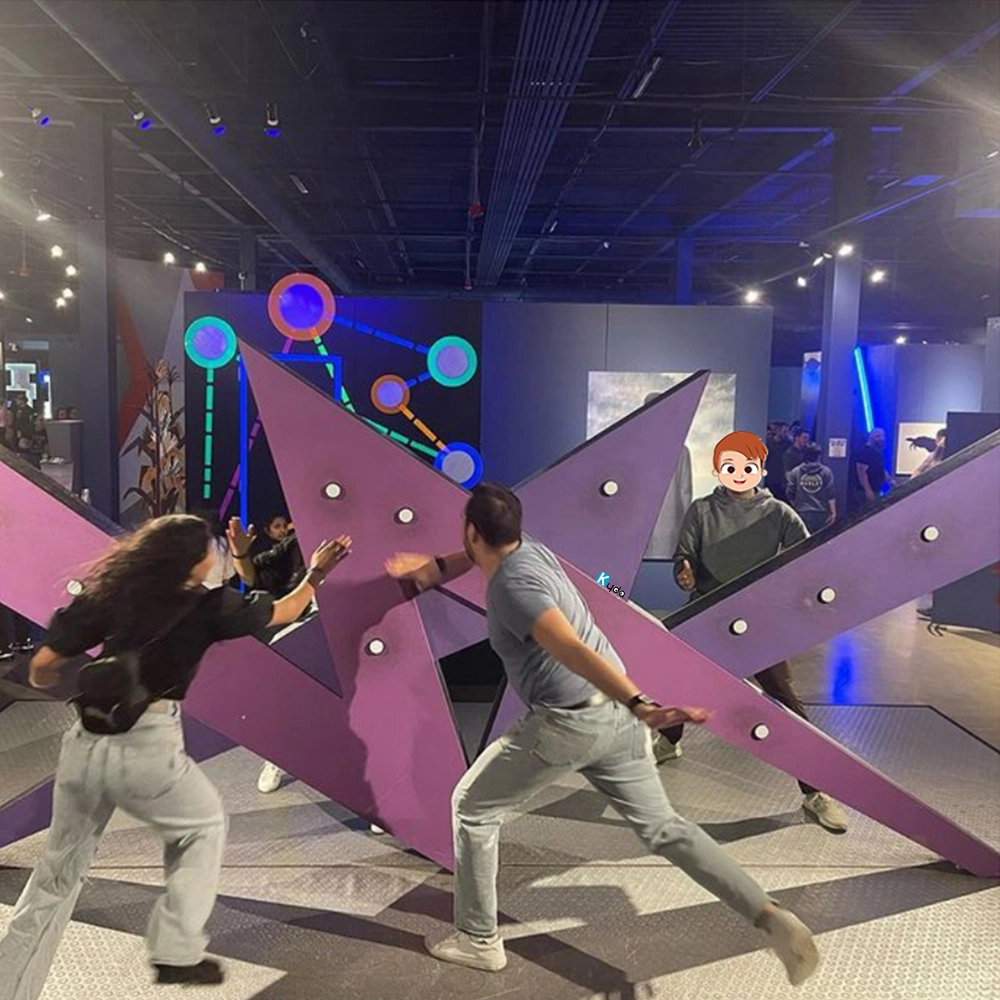
Knock Out – The Ultimate Reaction & Fitness Cube Challenge Game
Restricted Area Activate Moment Game Cube Challenge – High-Intensity Motion Game for Kids & Adults
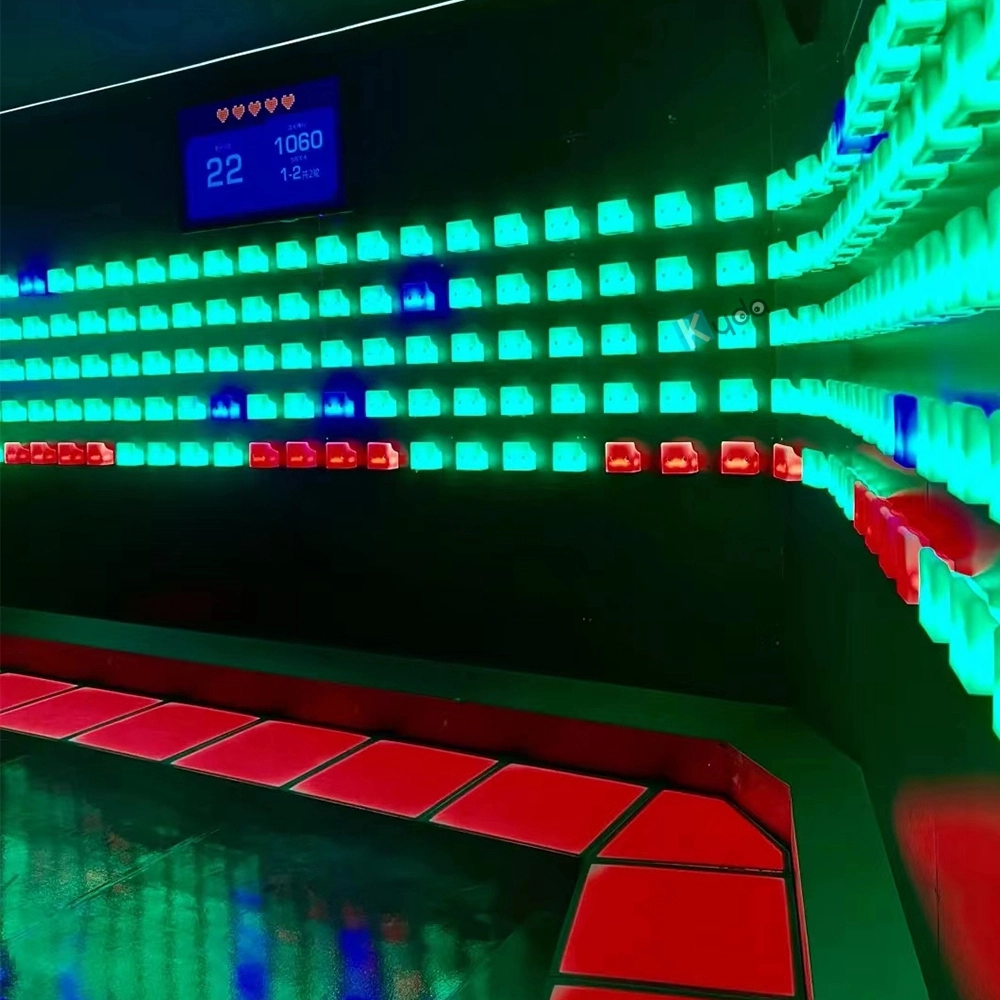
Activate Fitness Climb Game – The Ultimate Interactive LED Climbing Wall Experience
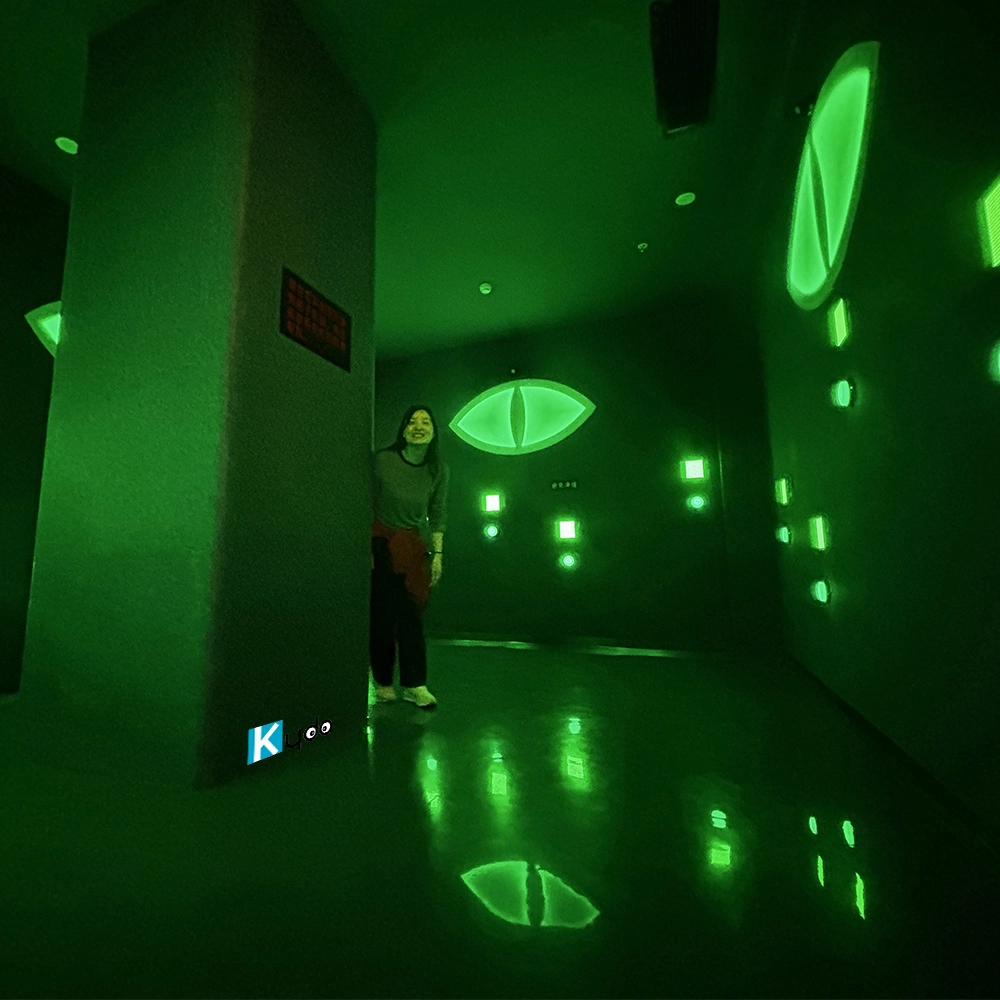
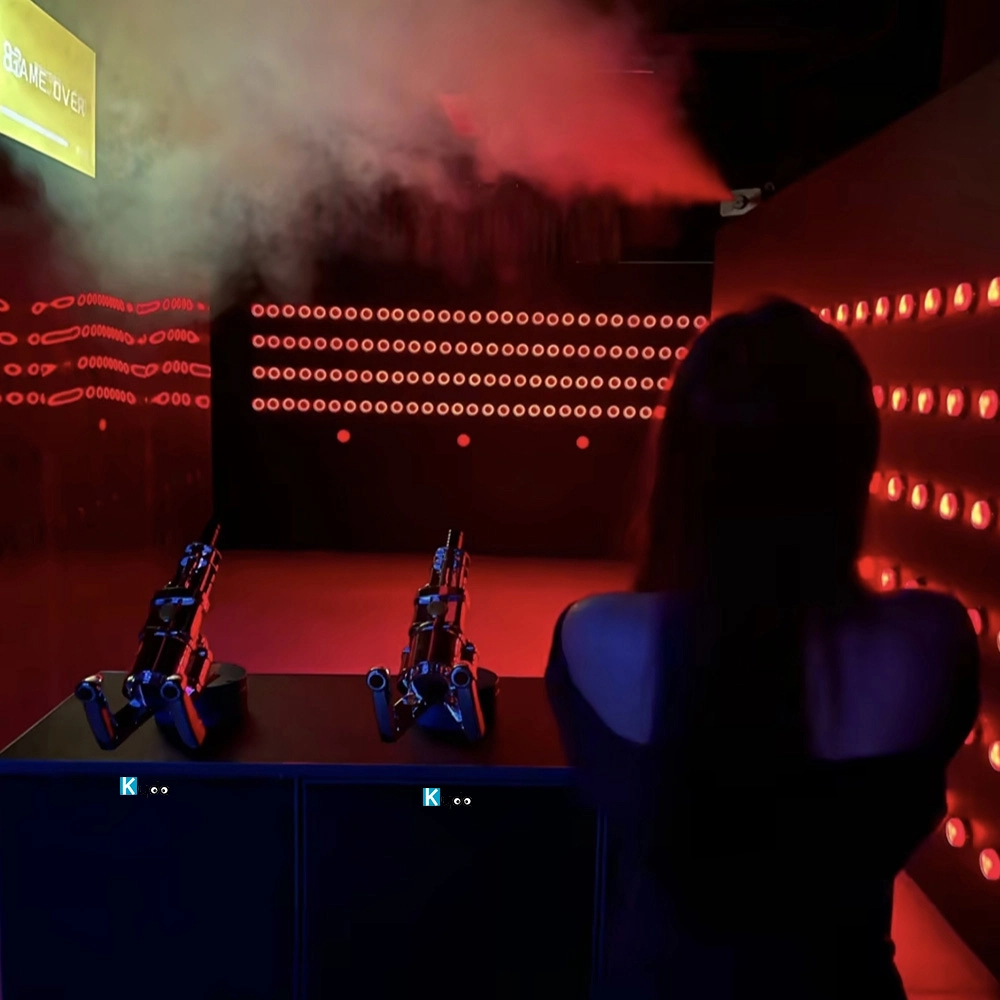
Escape Horror Game Hide Active Game Room – LED Evil Eye Adventure by Kyda
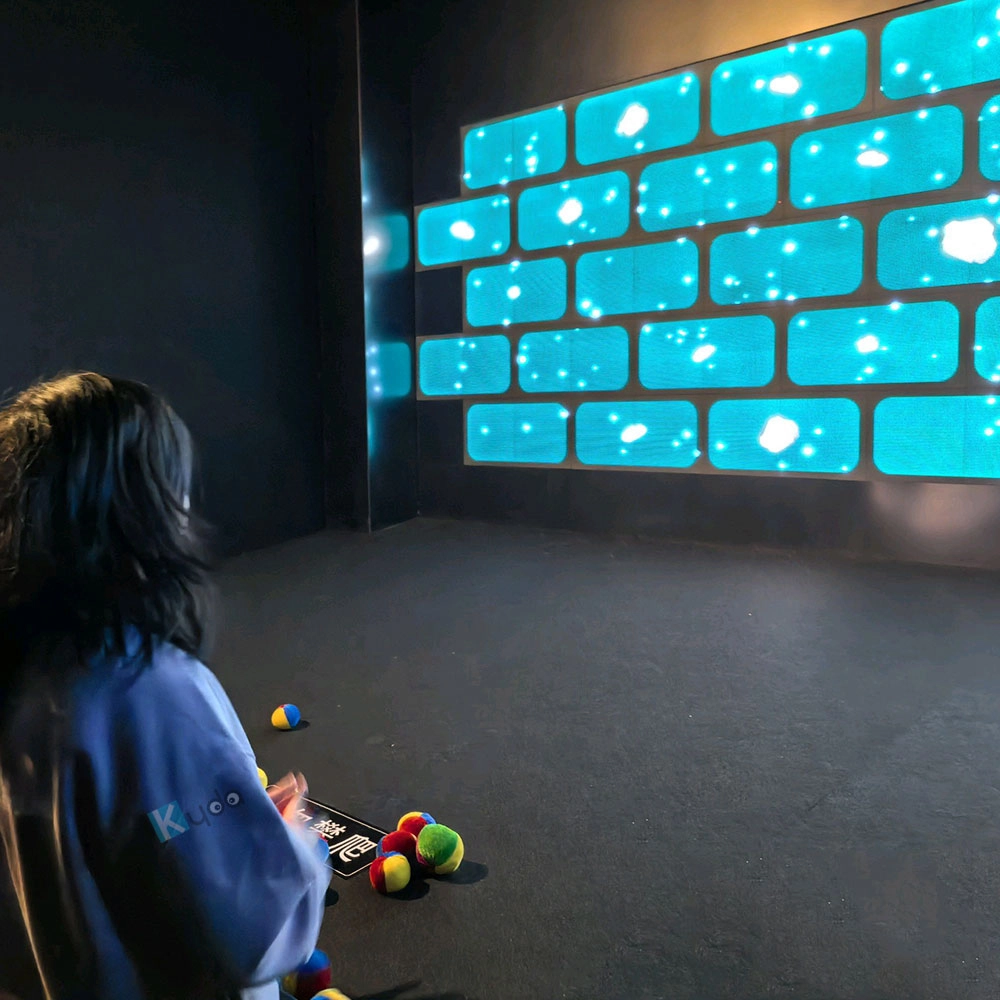
Interactive LED Wall Dodgeball Strike – Precision Digital Dodgeball Game
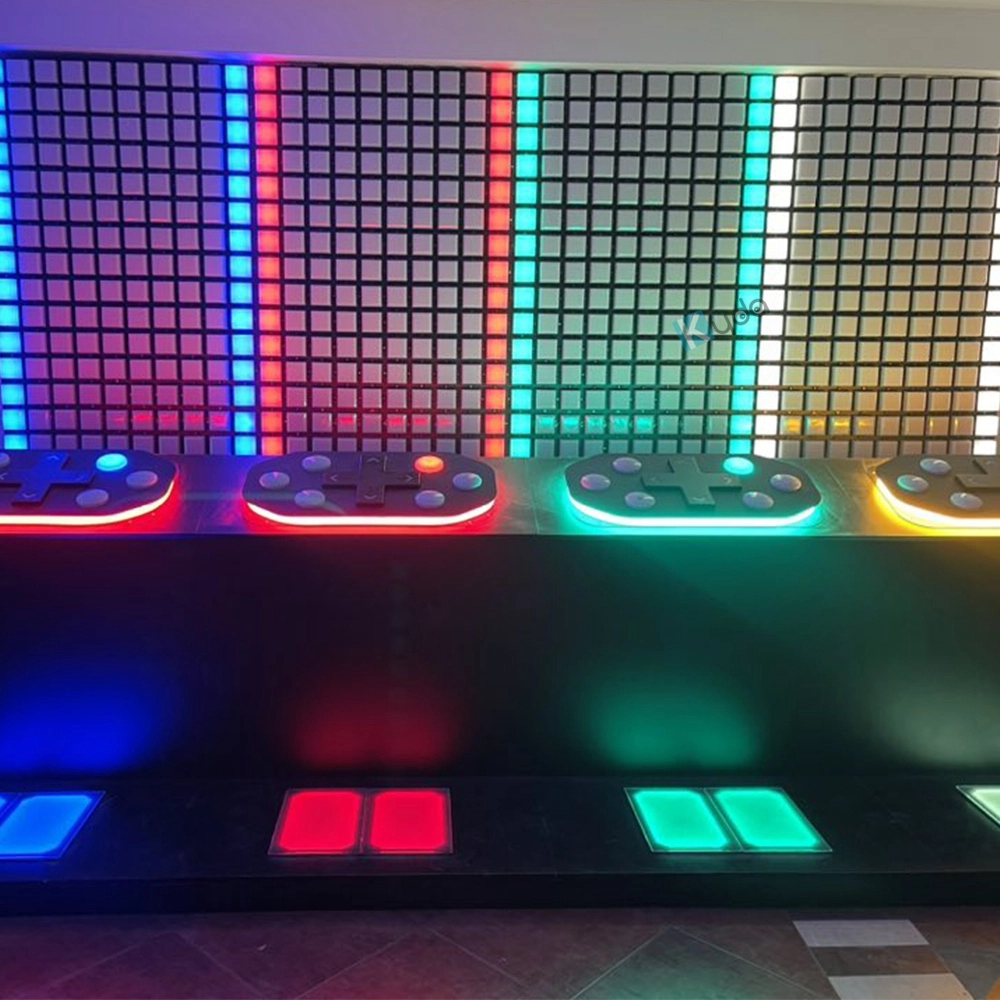
For Led Floor for Dance Pixel Grid Room
What is the difference of Grid and Mega Grid, Pixel Grid?
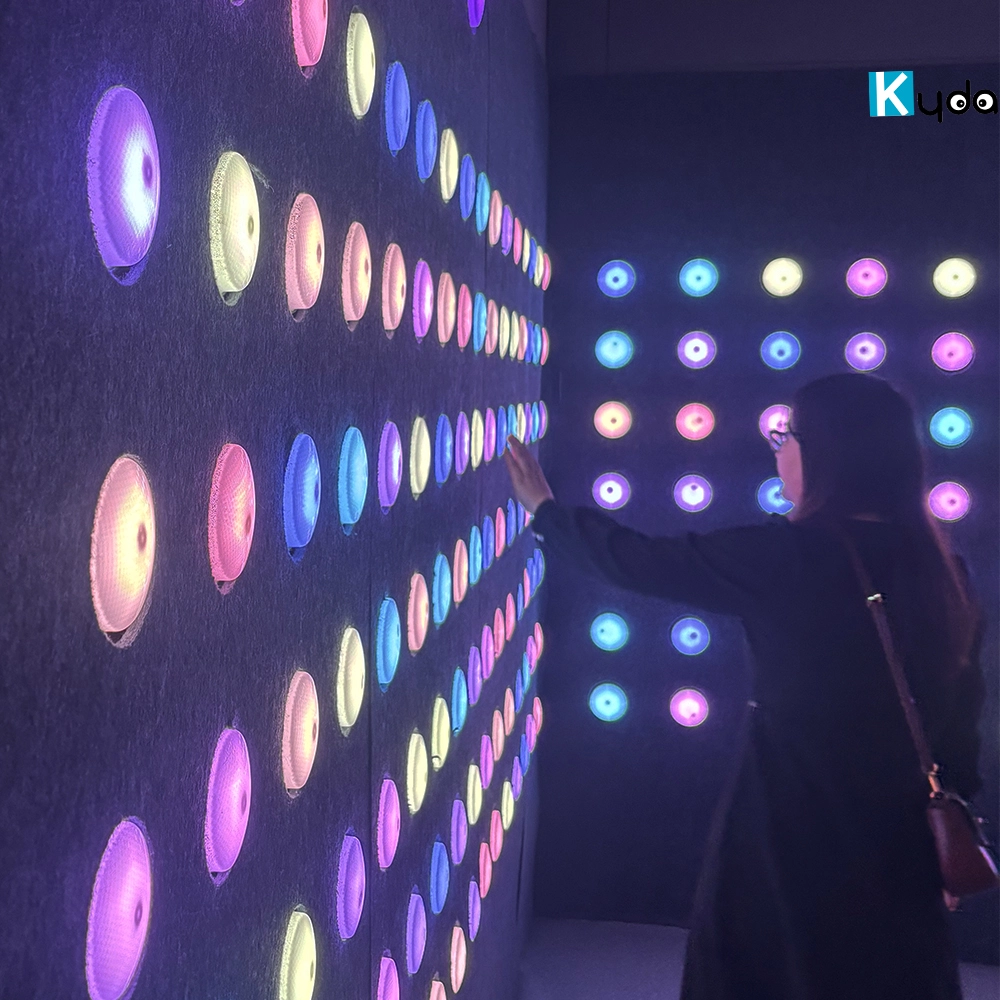
Grid just interactive floor game, smaller room size can start, Add the wall LED tile call Pixel Grid;
Mega Grid add 20pcs Digital screen with 20pcs wall buttons , also need suggest bigger room size, more activate interesting games than Grid, add the wall LED tile call Pixel Grid;
Kyda accept personal customization as requirements; Grid, Mega Grid, Pixel Grid, Floorislava, Arena game, Active LED floor game, Interactive floor LED game etc that different name in different place.
How much size if we start the Megagrid floorislava?
One LED grid tile is 30*30cm, eg: room size 10*5m, which can match 32*16pcs,512pcs for total; Layout: customize the quantity and place it according to the actual venue.
For Company
Can you make decoration design for buyer’s place?
We also can assist to make decoration that is for extra.
Can you make CAD design for buyer’s space room?
Yes, we can make CAD design as exact space room size.
How many activate game rooms Kydaplay make?
Till now, 50game rooms, still updating new….
Grid, Mega grid, Climb, ARENA ,Control ,HIDE ,Push, Pipes, Laser shooting, Hoops, Cylinder, Octopus,Strike,Flash, Cannon, KNOCK OUT, Lightning, 7 Blocks, GOLDEN GAME BRIDGE, RESTRICTED, BOMB Football, Rotating targets, Angry Bird, GENIUS, Lava Monster, Super Adventure …..
You May Also Like
-
-
Send us Your Inquiry
-
Fill out the form and we will provide you with personalized product quotes and service recommendations based on your needs.
Our team will contact you as soon as possible to help you build the most suitable entertainment equipment!
Let's get in touch
Email: sales@kydavr.com
Tel.: +86 188 2001 8779
Address: 501 Shixin Road, Dalong Street, Guangzhou, Guangdong, China.
© 2025 Kyda. All Rights Reserved.
 Scan QR Code
Linkedin
Ins
Facebook
Twitter
YouTube