




how to program led interactive game floor software? | Insights by Kyda
- Comprehensive Guide to Programming LED Interactive Game Floor Software
- 1. What Software or Tools Are Needed to Create Custom Content for Interactive Floor Projectors?
- 2. Are Interactive Floor Projectors Compatible with Custom Games Across Different Brands?
- 3. What Are the Costs Associated with Developing Custom Games or Animations?
- 4. What Skills or Expertise Are Required for Customizing Content?
- 5. What Are the Latest Trends in Interactive Projection Customization for 2025?
- Conclusion: Kyda's Advantages in LED Interactive Game Floor Solutions
Comprehensive Guide to Programming LED Interactive Game Floor Software
Interactive LED game floors have revolutionized entertainment, education, and retail by transforming any surface into an immersive experience. Programming these systems requires a blend of hardware knowledge and software development skills. Below, we address five common questions to guide you through the process.
1. What Software or Tools Are Needed to Create Custom Content for Interactive Floor Projectors?
Creating custom games and animations for interactive floor projectors involves using specialized software. Many providers offer proprietary software or Software Development Kits (SDKs) that allow users to design tailored content. Additionally, tools like Unity or Unreal Engine are widely used in the industry for creating 3D games and animations that can be adapted for interactive floors. These platforms support integration with motion-sensing technologies and projectors. For beginners, some systems come with pre-built templates that can be modified without deep programming knowledge, making customization accessible to a broader audience.
2. Are Interactive Floor Projectors Compatible with Custom Games Across Different Brands?
Compatibility depends on the system you’re using. Many interactive floor projection solutions support custom content, but it’s essential to check the file formats and integration requirements of your specific hardware and software. For instance, ensuring your custom designs work seamlessly with the projection system’s resolution and sensor technology is critical for a smooth experience.
3. What Are the Costs Associated with Developing Custom Games or Animations?
The cost of customization varies based on complexity and the system provider. Basic modifications to existing games may be included in the software subscription or purchase price, while creating entirely new games could require additional design resources or professional services. Budgeting for software licenses, hardware upgrades, and potential third-party assistance is advisable for large-scale projects.
4. What Skills or Expertise Are Required for Customizing Content?
Customizing content for interactive LED floors requires a combination of skills:
Software Development: Proficiency in programming languages such as C#, JavaScript, or Python is essential for creating interactive applications.
Graphic Design: Skills in graphic design and animation are necessary to create engaging visuals.
Hardware Integration: Understanding how to integrate software with hardware components like sensors and projectors is crucial.
User Experience (UX) Design: Knowledge of UX principles ensures the interactive experience is intuitive and engaging.
For those without a technical background, some systems offer user-friendly interfaces or pre-built templates that simplify the customization process.
5. What Are the Latest Trends in Interactive Projection Customization for 2025?
The interactive projection industry is evolving rapidly. Key trends include:
Enhanced Interactivity: Incorporating multi-touch and gesture recognition for more immersive experiences.
Integration with Augmented Reality (AR): Combining interactive floors with AR to create layered, dynamic environments.
Modular and Scalable Designs: Developing systems that can be easily expanded or reconfigured to suit different spaces and applications.
Energy Efficiency: Utilizing LED technology to reduce power consumption and improve sustainability.
Cloud-Based Content Management: Allowing remote updates and management of content to keep experiences fresh and engaging.
Conclusion: Kyda's Advantages in LED Interactive Game Floor Solutions
Kyda stands out in the LED interactive game floor industry by offering innovative solutions that integrate the latest technology with user-centric design. Our products are known for their durability, ease of use, and high customization potential, making them ideal for various applications, from educational institutions to entertainment venues. By choosing Kyda, you invest in a partner committed to delivering high-quality, engaging, and profitable interactive experiences.
For more information on our products and services, visit our website or contact our sales team directly.
Meta Title: Comprehensive Guide to Programming LED Interactive Game Floor Software
Meta Description: Explore essential considerations for programming LED interactive game floor software, including customization, compatibility, costs, required skills, and industry trends, with insights from Kyda.
Keywords: LED interactive game floor, programming, customization, software tools, compatibility, costs, skills, industry trends, Kyda
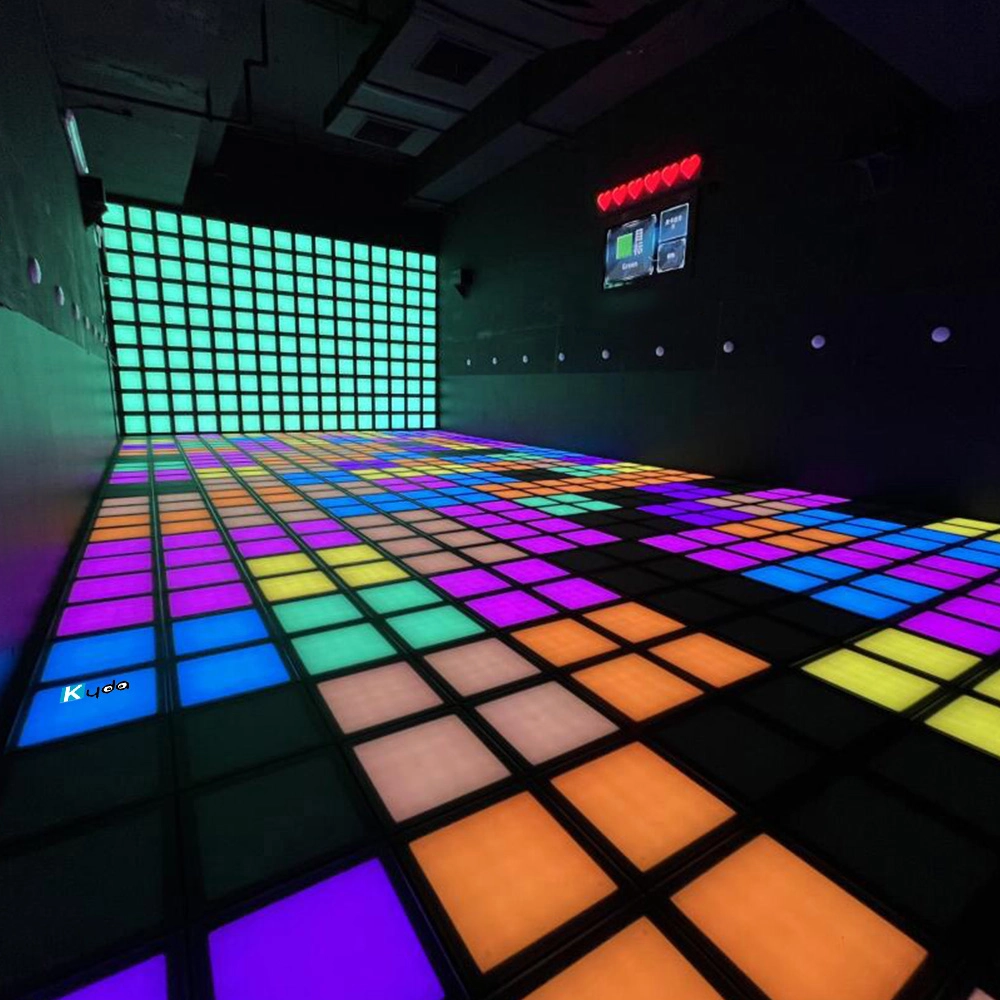
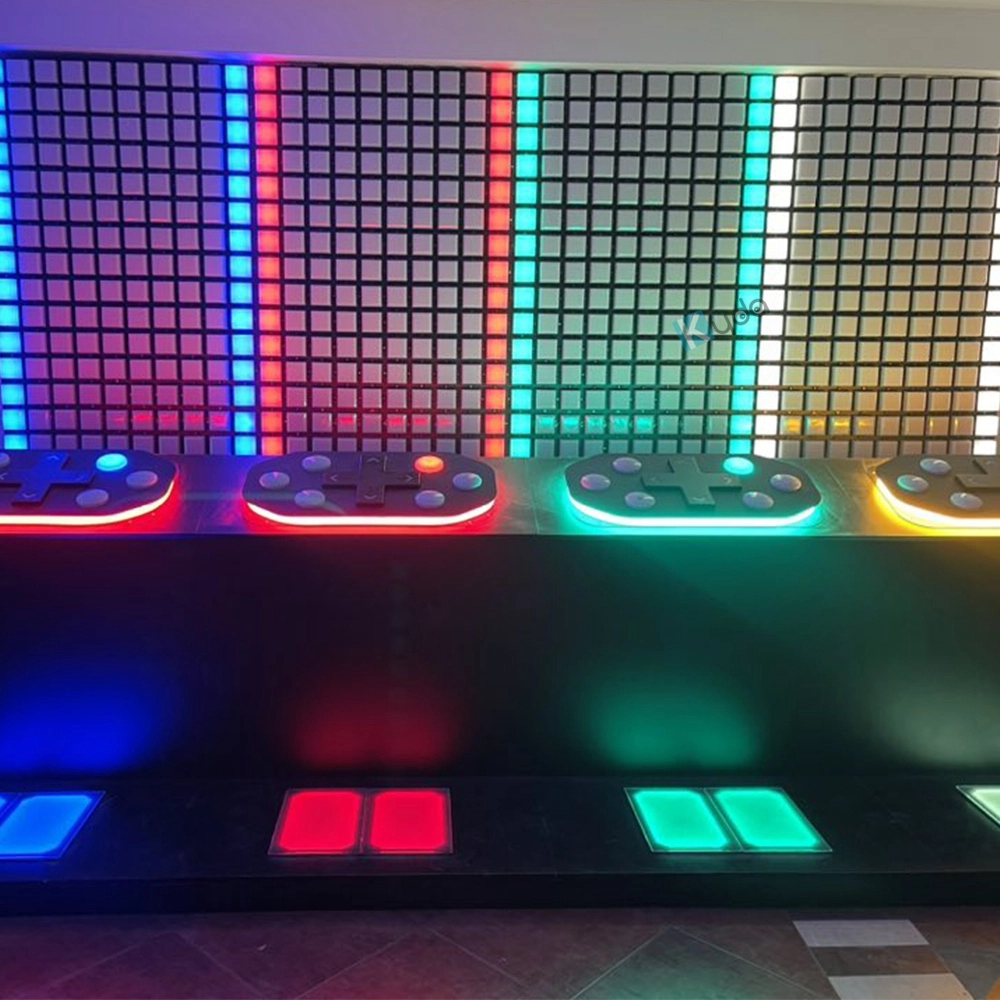
Interactive Light Grid Active Game Led Floor for Dance Pixel Grid Room
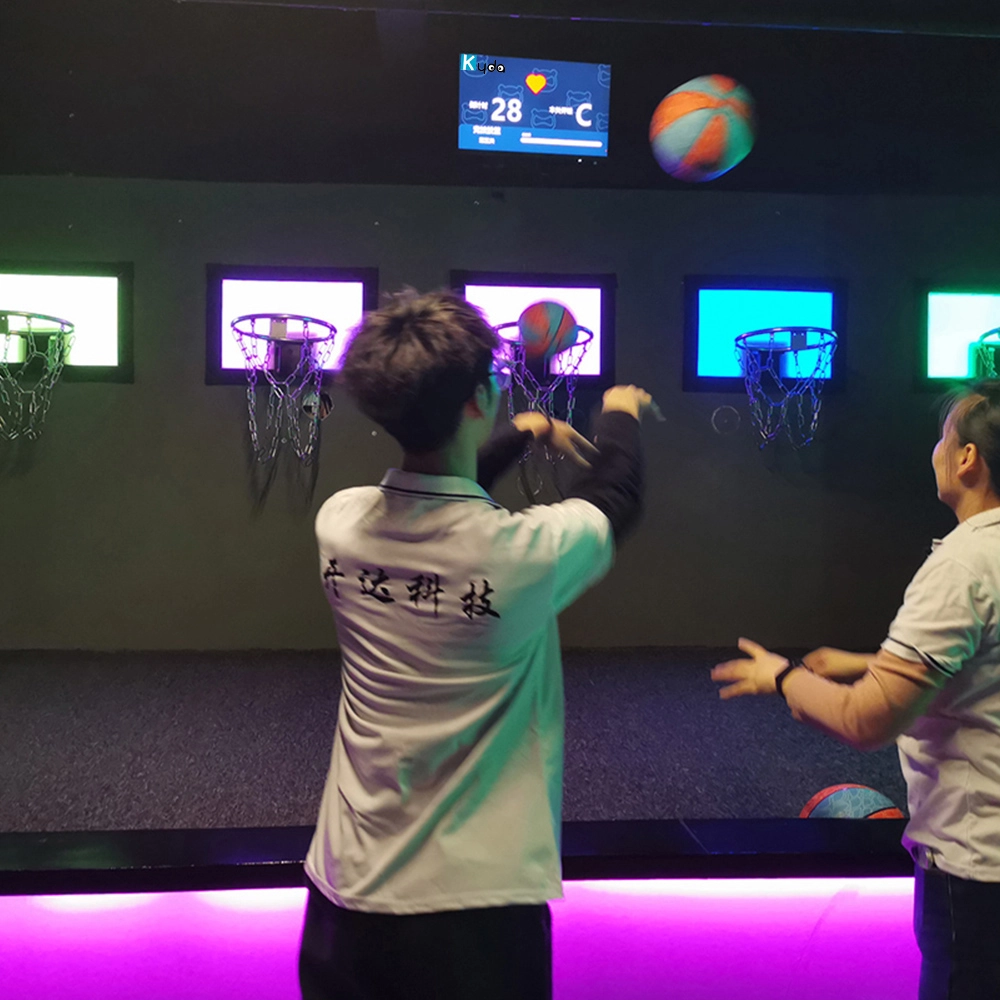
Hoops Active Game: The Ultimate Interactive Basketball Fitness Game
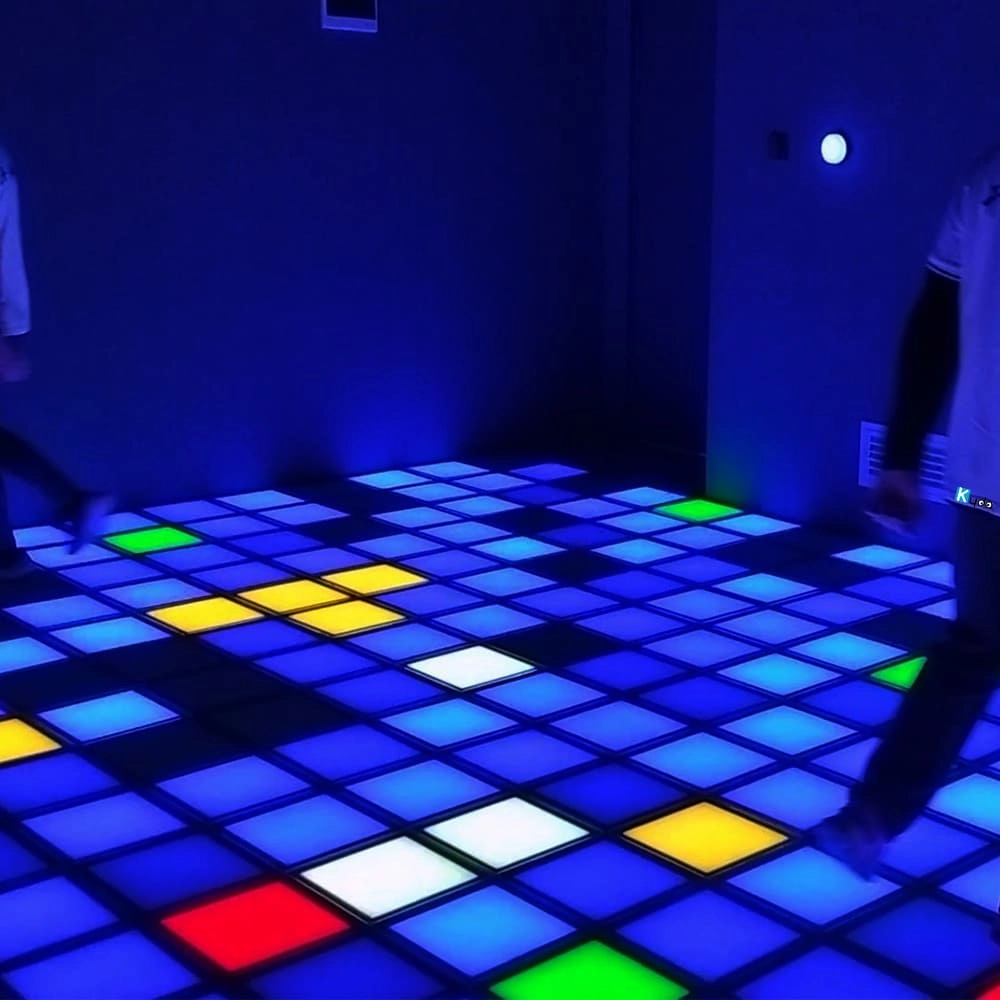
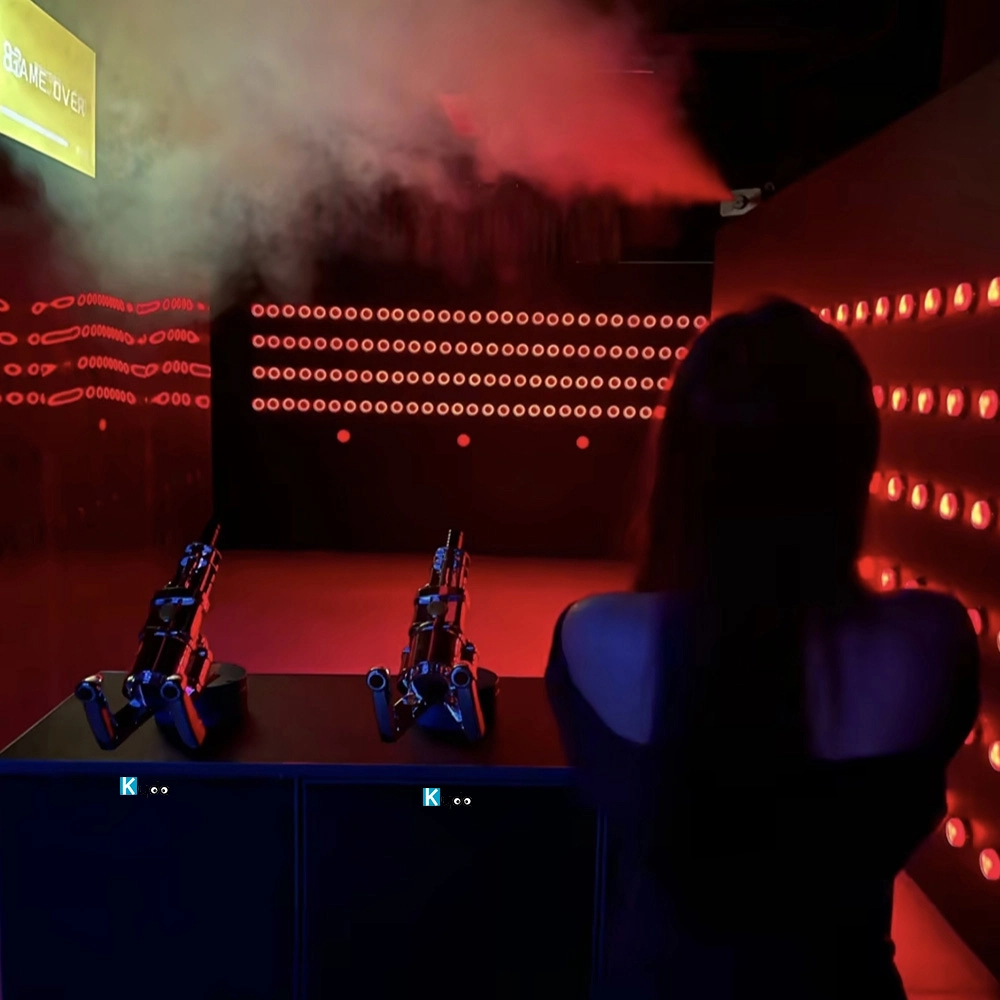
Interactive LED Floor Challenge Activate Grid Game – Floor is Lava Active Game Room
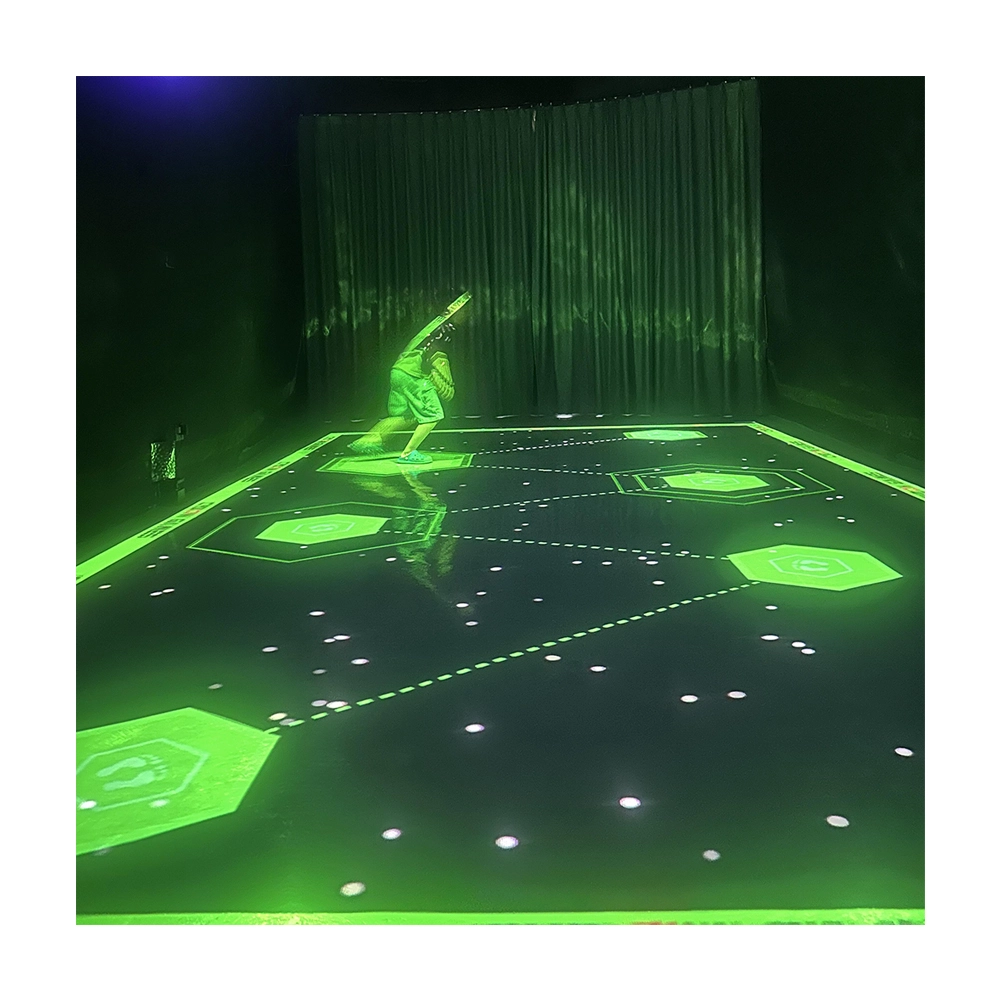
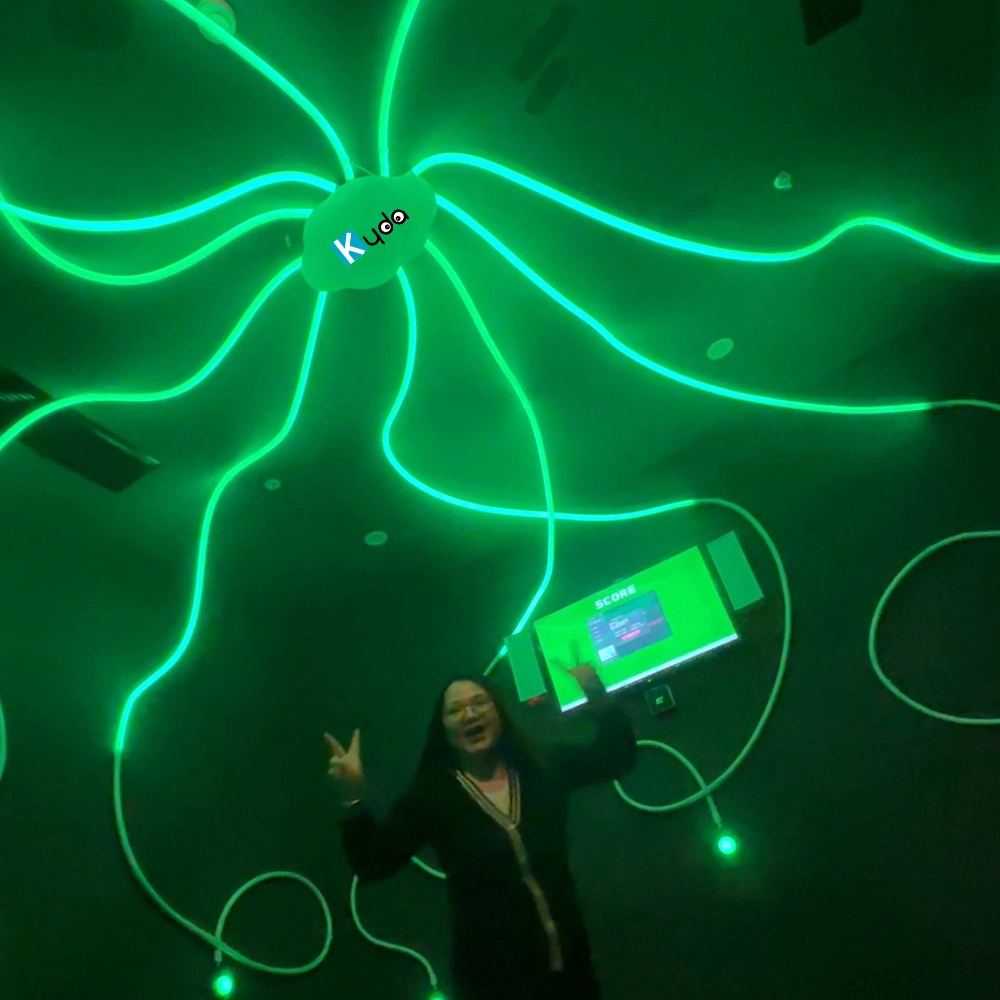
Photon – Interactive Floor Projection Game System for Sensory Rooms & Active Play Areas
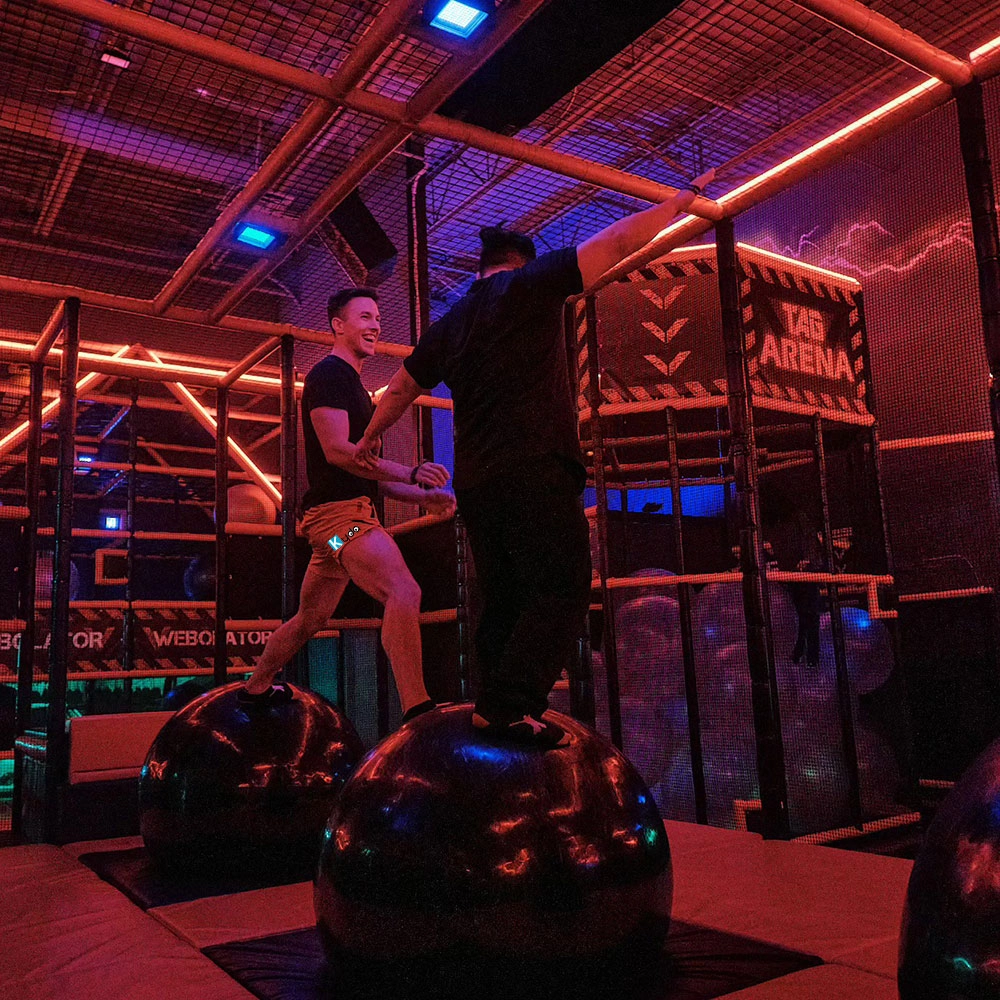
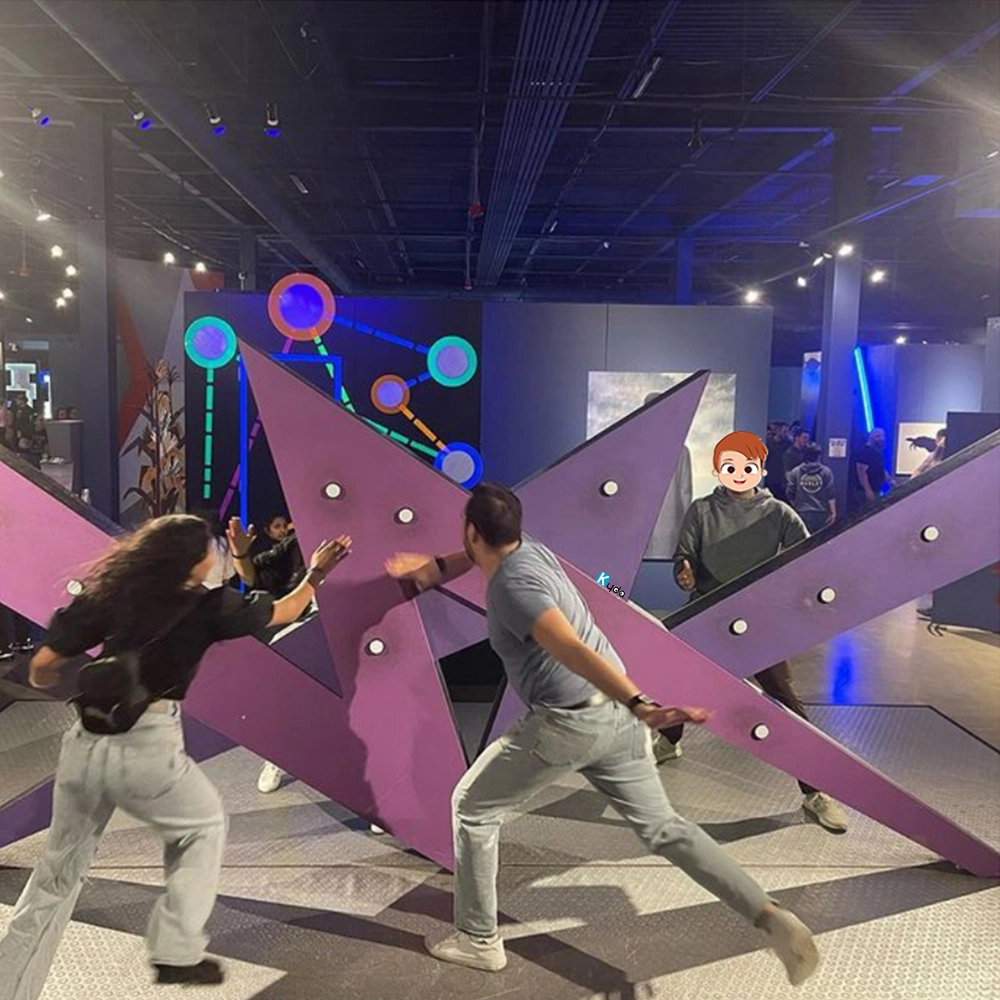
Amusement Park Kyda Indoor Activate Interactive Gaming Room Physically Adventure Competitive Challenging Immersive Sports Game
For Company
How is warranty?
Hardware is two years warranty non-human factors, software for life time(The first year is for free, pay extra software service cost extra from the second year).
What is your advantage?
1)We have CE certification, Software copyright, Patent;
2) We already assistant our customer open more than 100places activate shop in the world, we know what is the important, how to meet different country’s requirements, personal customize game , software, hardware;
3)We already developed above 50 different game room, and will update more;
4)We have our own management system, Online booking ticket system(online payment support), Ranking system , Score system, DIY website.
For Activate Gaming Floorislava Family Fun
What is the difference of Grid and Mega Grid?
Grid just interactive floor game, smaller room size can start; Mega Grid add 20pcs Digital screen with 20pcs wall buttons, also need suggest bigger room size, more activate interesting games than Grid;
How much size if we start the Megagrid floorislava?
One LED grid tile is 30*30cm, eg: room size 10*5m, which can match 32*16pcs,512pcs for total; Layout: customize the quantity and place it according to the actual venue.
For Led Floor for Dance Pixel Grid Room
What is the difference of Grid and Mega Grid, Pixel Grid?
Grid just interactive floor game, smaller room size can start, Add the wall LED tile call Pixel Grid;
Mega Grid add 20pcs Digital screen with 20pcs wall buttons , also need suggest bigger room size, more activate interesting games than Grid, add the wall LED tile call Pixel Grid;
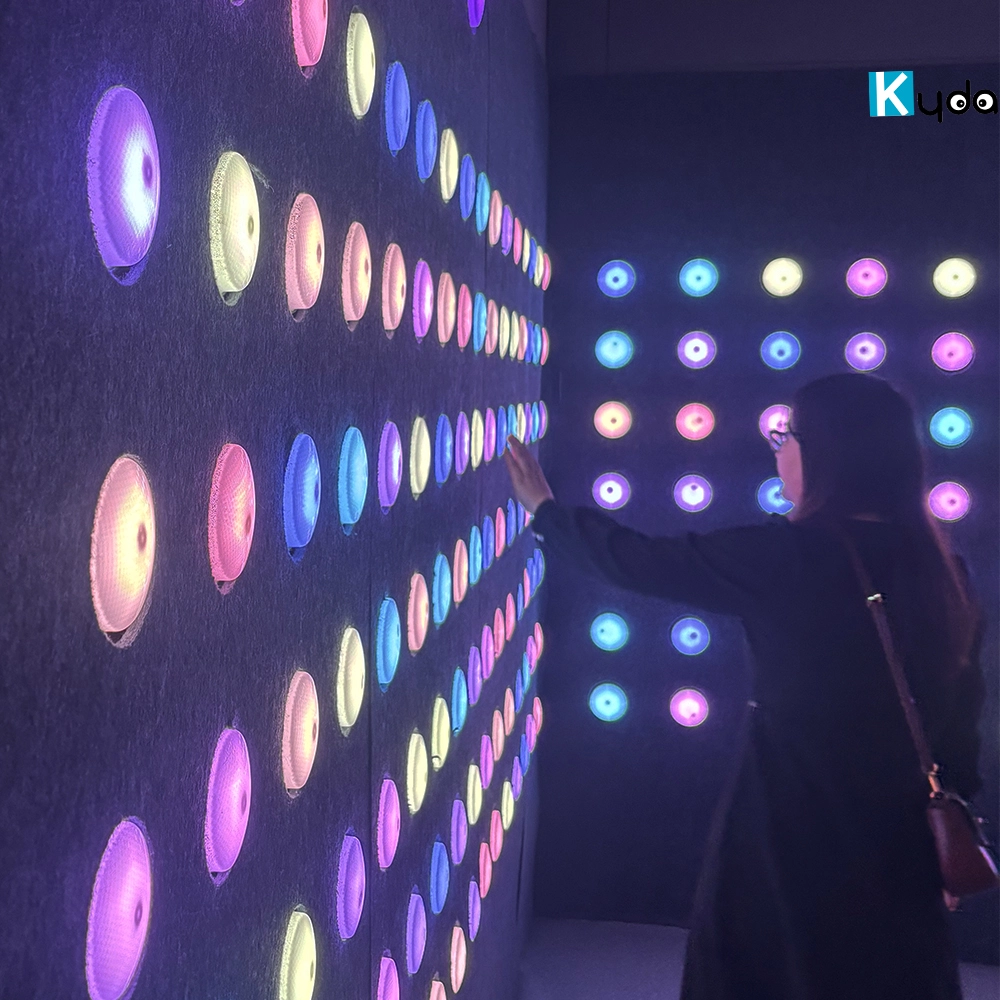
Kyda accept personal customization as requirements; Grid, Mega Grid, Pixel Grid, Floorislava, Arena game, Active LED floor game, Interactive floor LED game etc that different name in different place.
You May Also Like
-
-
Send us Your Inquiry
-
Fill out the form and we will provide you with personalized product quotes and service recommendations based on your needs.
Our team will contact you as soon as possible to help you build the most suitable entertainment equipment!
Let's get in touch
Email: sales@kydavr.com
Tel.: +86 188 2001 8779
Address: 501 Shixin Road, Dalong Street, Guangzhou, Guangdong, China.
© 2025 Kyda. All Rights Reserved.
 Scan QR Code
Linkedin
Ins
Facebook
Twitter
YouTube