


Before You Request an Active Gaming Quote: A Site Brief Buyers Can Actually Use
To request a useful Active Gaming quotation, prepare your project location, a dimensioned floor plan, the lowest usable ceiling height, available electrical information, preferred game experiences, player flow, software requirements and installation expectations. Mark anything you have not confirmed as “to be verified.” Ask the supplier to identify the assumptions, included items and exclusions behind the price.
- What Is an Active Gaming Site Brief?
- 1. Describe the Project and Its Current Stage
- 2. Provide a Floor Plan That Shows the Usable Space
- Measure the lowest usable height
- Describe the existing floor
- 3. Share Electrical and Site Access Information
- 4. Explain How You Want Players to Use the Venue
- 5. Describe the Experience Behind Your Product Choices
- 6. Define the Software Functions You Want Discussed
- Copy and Complete This Active Gaming Site Brief
- Review the Proposal Against the Same Brief
- Prepare Your Brief for Kydagames
- FAQ
An Active Gaming project often begins with a simple question: “How much will it cost?”
That is a reasonable place to start. Before committing to a venue, buyers need to understand the investment. But a useful quotation needs a description of what the supplier is being asked to deliver.
Two requests for “six interactive challenge rooms” can involve very different work. One operator may already have suitable partitions, electrical connections and a reception system. Another may need help defining the room layout, game controls, player identification and installation responsibilities.
The same room count does not describe the same project.
My recommendation is to prepare a short site brief before requesting a detailed quotation. It gives the supplier a clear starting point and gives you something consistent to use when comparing proposals.
You do not need to have every answer ready. You do need to distinguish what you know, what you want and what still needs checking.
What Is an Active Gaming Site Brief?
An Active Gaming site brief is a practical description of your venue, intended player experience and requested equipment and services.
It connects the commercial idea to the physical site.
For example, “We want an exciting indoor attraction” describes an ambition. A more useful brief explains that the attraction will be added to an existing family entertainment center, identifies the available unit on a floor plan and describes how visitors should enter, play and leave.
A good brief should allow the supplier to answer four questions:
Which game configurations could suit this project?
What site information is still missing?
Which hardware and software functions should be considered?
What should the quotation include, and who will handle the remaining work?
Keep the first version manageable. A marked floor plan, a few site photographs and a completed checklist can provide a clear basis for the initial discussion.
1. Describe the Project and Its Current Stage
Begin with the country, city and type of venue.
Explain whether you are planning a standalone Active Gaming center, adding attractions to an existing business or converting part of an escape room venue.
Then describe the project stage. Are you evaluating locations, negotiating a lease, working with a confirmed unit or already preparing the space?
This matters because the proposal should match the information available.
If the location is still being evaluated, ask for a preliminary configuration with its assumptions clearly stated. Once the site measurements and selected equipment are confirmed, those assumptions can be reviewed for a more detailed proposal.
Include your intended opening period, while making clear which milestones are fixed and which remain flexible. Equipment delivery, site preparation, installation and testing all need to fit into the project schedule.
2. Provide a Floor Plan That Shows the Usable Space
A total area figure is helpful, but a dimensioned drawing is more useful.
A venue described as “500 square meters” could contain a large open rectangle, several narrow rooms or an irregular unit with columns and service areas. Those layouts create different equipment and circulation options.
On the drawing, identify:
Internal dimensions and the measurement units.
Columns, structural walls and existing partitions.
Entrances, exits and door openings.
Reception, waiting and briefing areas.
Toilets, storage and technical spaces.
Areas that must remain available for existing attractions.
Features that cannot be moved.
If you are upgrading an existing venue, indicate which partitions and facilities you intend to retain.
Date the drawing and give it a simple version number. If the layout changes during discussions, everyone should be able to identify which plan the proposal uses.
Kydagames’ existing venue planning guide discusses how space, capacity and room combinations relate. For an enquiry, the next step is to turn that planning discussion into a drawing the supplier can review.
Measure the lowest usable height
State the available height in the areas where games may be installed.
Include any lower points created by beams, ducts, suspended ceilings or other overhead services. A single building height measurement may miss the feature that limits a particular installation.
Send photographs alongside the measurements. If an overhead obstruction has not been measured, mark it as an unresolved item.
Describe the existing floor
Provide photographs and describe the current floor finish. Note any visible steps, slopes, raised sections or changes in level.
For a floor-based attraction such as Pixel Grid, ask the supplier to confirm the requirements for the selected configuration, including the finished floor arrangement, access to components and any preparation work.
Use the requirements for the actual model being proposed. Dimensions or specifications from another product should not be carried into the quotation without confirmation.
3. Share Electrical and Site Access Information
You may not have a complete electrical design at the enquiry stage. Send the information you have and identify what your local project team still needs to verify.
Useful starting information includes the site’s voltage and frequency, available supply information, electrical panel location and any restrictions on new wiring.
Ask the supplier to provide the equipment requirements for the selected game combination. Your project team can then check those requirements against the available site infrastructure.
Avoid estimating the whole project’s requirements from one game’s specification. The final arrangement may also involve controls, displays and other equipment.
Delivery access deserves attention early, too. Describe the route from the unloading point to the proposed game areas, including doorways, lifts, stairs and any landlord restrictions.
A floor plan shows where equipment will be used. Access information helps establish how it will reach that location.
4. Explain How You Want Players to Use the Venue
A game list becomes more useful when it is connected to a player journey.
Describe what you want visitors to do:
Arrive → receive instructions → enter a challenge → view their result → move to another activity or leave.
Then explain the decisions that remain open.
Will visitors book a timed session or purchase access to individual attractions? Will groups stay together? Where will they wait when a room is occupied? How will staff explain the next challenge?
These are planning questions, rather than claims about a venue’s eventual capacity.
If you have an intended group size, include it as a requirement to discuss. Ask the supplier to confirm the supported player capacity for each selected model and game mode.
This helps keep proposed operating targets separate from equipment specifications.
5. Describe the Experience Behind Your Product Choices
Include preferred products, but also explain why they interest you.
For example, a buyer considering Pixel Grid may want a floor-based group challenge with clear visual interaction. Another buyer may be looking for a hands-on reaction activity or a game that requires teammates to coordinate their movements.
Those descriptions help the supplier understand the experience you are trying to create.
You can organize your preferences into three categories:
|
Preference level |
What to include |
|
Essential |
Experiences or products central to the concept |
|
Preferred |
Options you would like to include if the site and scope allow |
|
Open to recommendation |
Areas where you want the supplier to suggest suitable alternatives |
Attach product links or gameplay videos where possible. Identify the part of the demonstration that interests you.
A short explanation such as “We like the cooperative interaction shown in this video” gives the supplier more direction than a collection of product images alone.
6. Define the Software Functions You Want Discussed
Software should be a visible part of the project brief.
KYDA’s published materials describe options involving player identification, connected room scoring, booking, rankings, language interfaces and venue branding. The appropriate configuration depends on the selected rooms and operating requirements.
For the enquiry, mark each requested function as essential, preferred or not required.
|
Software requirement |
What to clarify |
|
Player identification |
How a player or team is recognized |
|
Connected scoring |
Which selected games can share player or team results |
|
Leaderboard display |
What rankings you want visitors to see |
|
Booking |
Whether you need a new platform or compatibility with an existing process |
|
Interface languages |
Which languages are needed for players and staff |
|
Venue branding |
Which screens, graphics or other elements should use your brand |
|
Updates and support |
What is included, how it is delivered and which conditions apply |
If you already use booking software, name it in the brief. Ask the supplier to confirm compatibility and any additional work.
A requested integration should remain a requirement to assess until its scope has been confirmed.
7. Ask for a Clear Quotation Scope
A quotation becomes easier to compare when the supply and service boundaries are visible.
Ask the supplier to identify the following items individually. The table below is a buyer’s review checklist; inclusion should be confirmed in the actual proposal.
|
Scope item |
Question to ask |
|
Game equipment |
Which models, quantities and components are included? |
|
Control equipment |
Which controllers, computers, displays and related items are supplied? |
|
Software |
Which functions, permissions and usage terms are included? |
|
Customization |
Which branding, graphics, languages or gameplay changes are covered? |
|
Packaging and delivery |
Where does the quoted delivery scope begin and end? |
|
Site preparation |
Which floor, wall, ceiling, electrical or network work is required locally? |
|
Installation |
What method is proposed, and which tasks belong to each party? |
|
Testing |
What will be checked before handover? |
|
Training |
What training is included, and who should attend? |
|
Support and spare parts |
What is covered, and which items or services are priced separately? |
Give particular attention to installation.
“Installation support” needs a description of the work involved. Ask how assistance will be provided, whether site attendance is included and what your local team must prepare.
A responsibility list helps everyone plan the same project.
Copy and Complete This Active Gaming Site Brief
Use this template as a starting point for your enquiry. Enter “to be verified” wherever a detail remains unresolved.
|
Brief item |
Your project information |
|
Company and contact person |
[Enter company, name and contact details] |
|
Project location |
[Country and city] |
|
Venue type |
[Standalone center, FEC addition, escape room upgrade or other] |
|
Project stage |
[Location search, lease discussion, confirmed site or site preparation] |
|
Intended opening period |
[Enter target period and any fixed milestones] |
|
Available drawing |
[File name, drawing date, version and measurement units] |
|
Proposed game areas |
[Mark these on the attached drawing] |
|
Existing facilities to retain |
[List partitions, reception, attractions or other features] |
|
Lowest usable ceiling height |
[Record measurements by area] |
|
Current floor condition |
[Describe and attach photographs] |
|
Electrical information |
[Provide available site details and unresolved questions] |
|
Internet and network conditions |
[Describe available connections or mark as unconfirmed] |
|
Equipment access route |
[Doorways, lift, stairs, unloading access and restrictions] |
|
Intended audiences |
[Families, friends, corporate groups or other audiences] |
|
Intended player journey |
[Explain arrival, briefing, play, results and departure] |
|
Preferred game experiences |
[Movement, reaction, coordination, observation or other] |
|
Preferred products |
[Attach links or videos and mark essential/preferred] |
|
Software requirements |
[List functions and their importance] |
|
Branding and languages |
[Describe the requested scope] |
|
Installation expectations |
[Explain the assistance you want discussed] |
|
Local project team |
[Identify available contractors or technical contacts] |
|
Budget guidance, if available |
[State the currency and what the budget is intended to cover] |
|
Requested proposal |
[Preliminary configuration, detailed quotation or scope review] |
|
Outstanding questions |
[List information still to be verified] |
Attach the relevant drawing, photographs and product references. Label the files so the supplier can match them to the brief.
A completed version does not need to look elaborate. Its value comes from clear information.
Review the Proposal Against the Same Brief
When a proposal arrives, keep your brief beside it.
Check whether the supplier has used the correct drawing, selected the requested products and explained any substitutions. Review which requirements have been confirmed and which remain assumptions.
If you are comparing suppliers, use the same brief for each enquiry. Then compare the proposed models, software scope, delivery boundaries and installation responsibilities.
A lower total may reflect a different supply scope. Understanding that difference is part of evaluating the quotation.
Before proceeding, ask for unresolved items to be recorded in writing. If you change the floor plan, game selection or software requirements, request confirmation of how the proposal changes.
Prepare Your Brief for Kydagames
Kydagames works with buyers planning commercial interactive entertainment equipment and room-based attractions. A project discussion can begin with the available site, intended audience, preferred experiences and requested support. Product selection and delivery details should then be confirmed for the particular project.
For a first enquiry, start with the country and city, your latest floor plan, available height measurements, site photographs and preferred game references.
Include your software expectations and the work you want the supplier to quote.
If a detail is still unknown, say so. That gives the discussion a useful next step.
FAQ
What information should I send to request an Active Gaming quote?
Send the project location, a dimensioned floor plan, lowest usable ceiling height, available electrical information, preferred game experiences, intended player flow, software requirements and installation expectations. Attach relevant photographs and product references. Clearly mark unresolved details.
Can I request a quotation before choosing all the game rooms?
You can request a preliminary proposal while the game selection is still open. Describe the experiences you want, identify any essential products and ask the supplier to state its assumptions. A detailed quotation should reflect the agreed models, configuration and delivery scope.
What should an interactive challenge room quotation include?
It should identify the proposed equipment, quantities, software scope, customization, delivery boundaries and installation responsibilities. Ask for training, testing, support and any exclusions to be stated clearly. The included items depend on the supplier’s actual proposal and your project agreement.
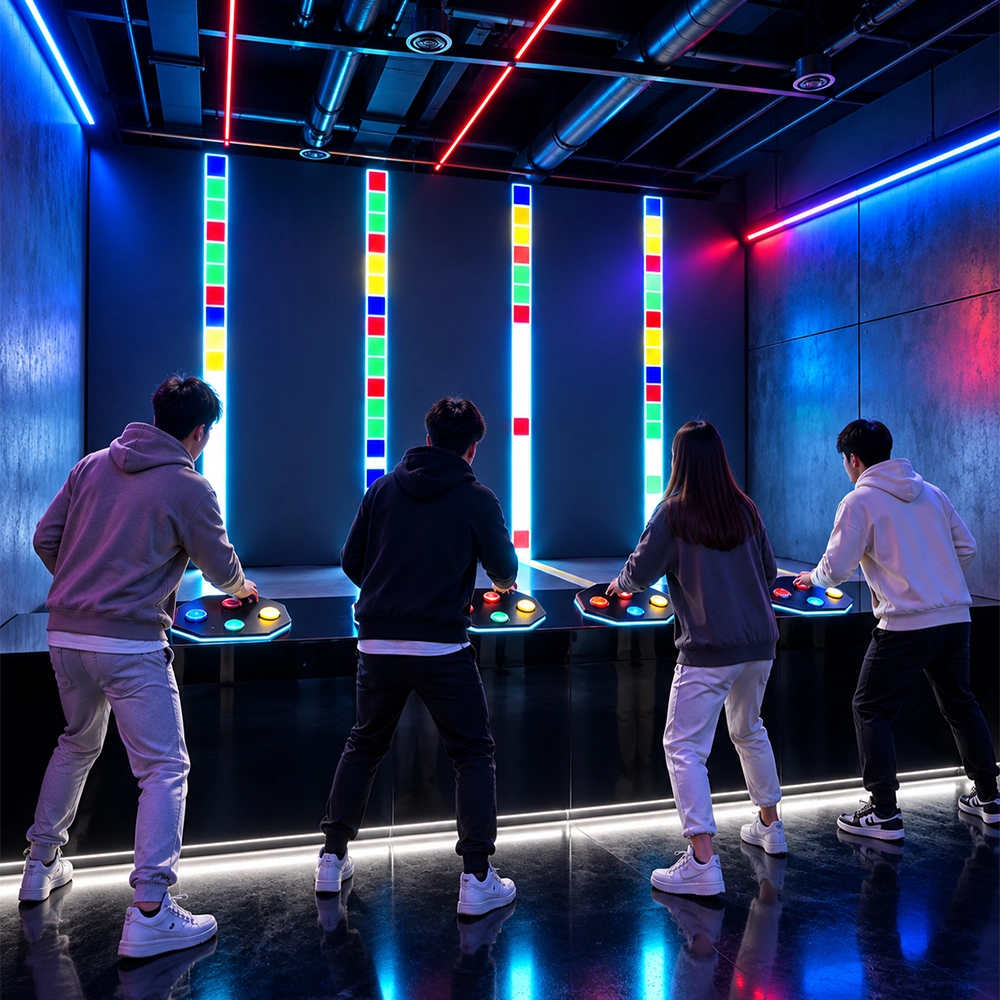
Speed Clash Red Light Green Light Reaction Game Room
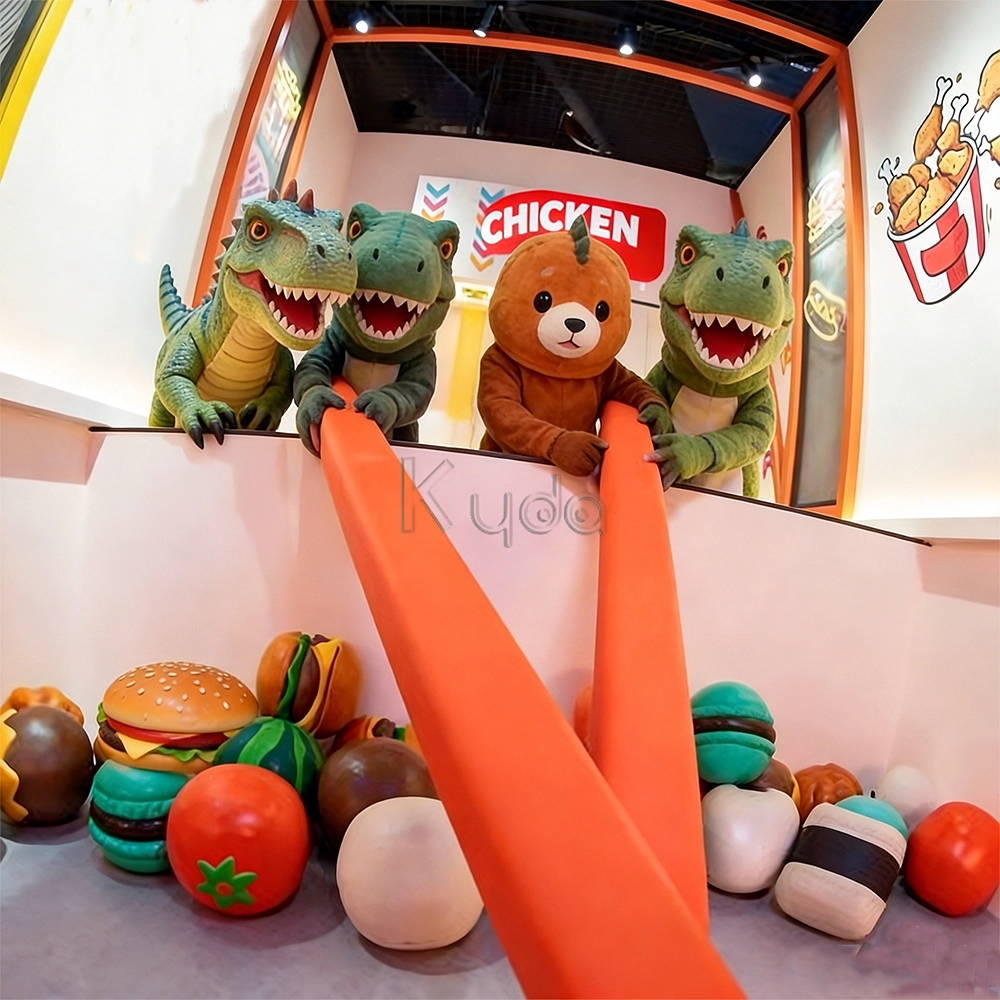
Crub Crab Giant Chopsticks Challenge Game Interactive Skill Challenge Game for Activate Game Rooms by Kyda

Spade Q: The Ultimate Interactive Game Room for Modern Venues.
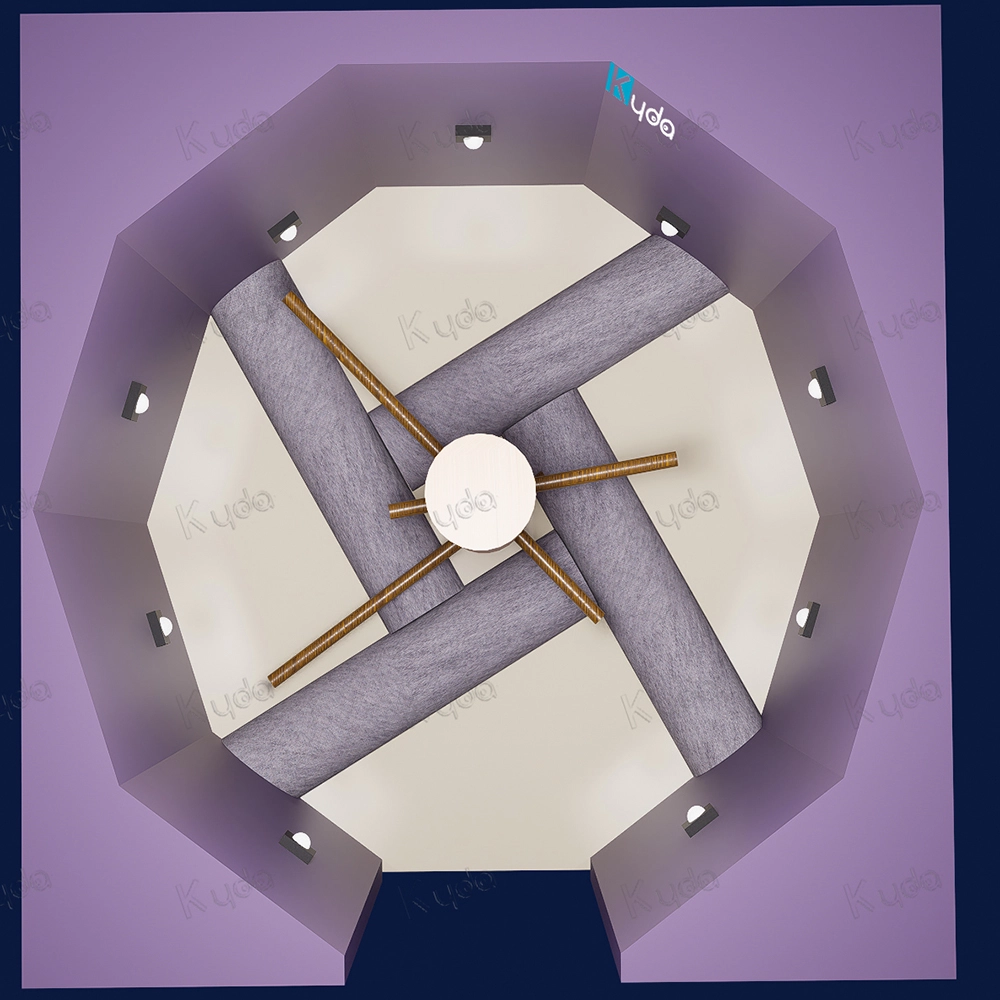
Ninja Dojo: 360° Rotating Beam & Reactive Wall-Matrix Challenge – The Next Frontier of Active Skill Gaming
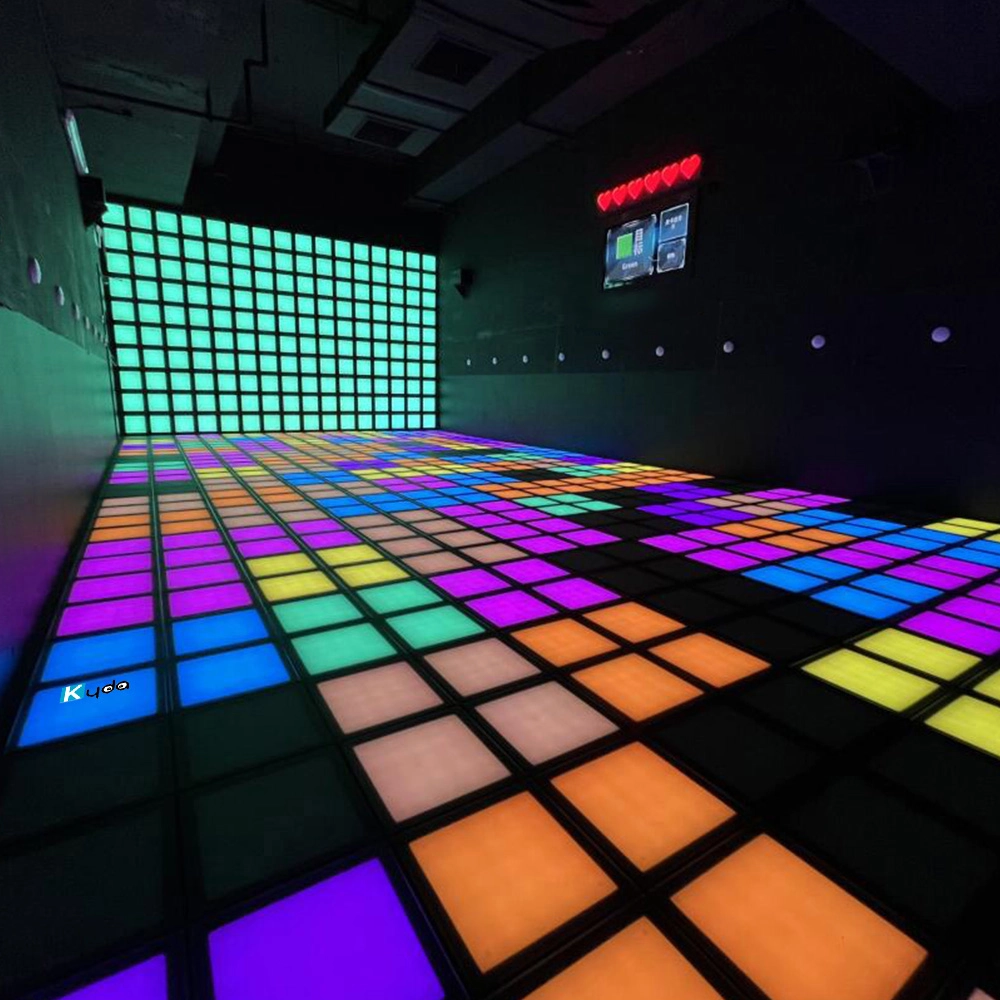
Interactive Light Grid Active Game Led Floor for Dance Pixel Grid Room
You May Also Like


-
-
Send us Your Inquiry
-
Fill out the form and we will provide you with personalized product quotes and service recommendations based on your needs.
Our team will contact you as soon as possible to help you build the most suitable entertainment equipment!
Let's get in touch
Email: sales@kydavr.com
Tel.: +86 188 2001 8779
Address: 501 Shixin Road, Dalong Street, Guangzhou, Guangdong, China.
© 2025 Kyda. All Rights Reserved.
 Scan QR Code
Linkedin
Ins
Facebook
Twitter
YouTube